.png)
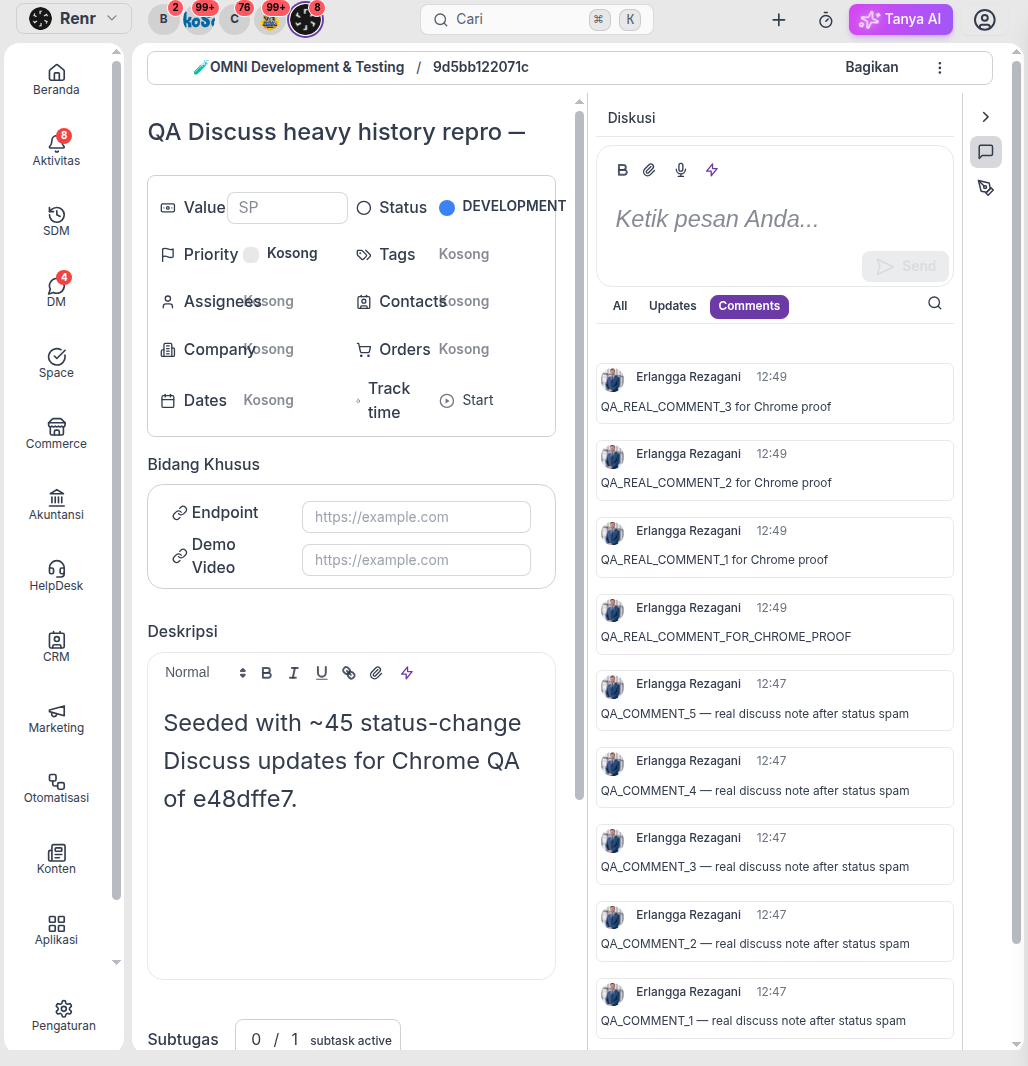
On busy Planner tasks, the Discuss panel opens on Comments by default. Team conversation stays in front — status-change noise stays hidden until you ask for it. Filter chips, load-older, and message actions stay stable even when a task has dozens of status updates.
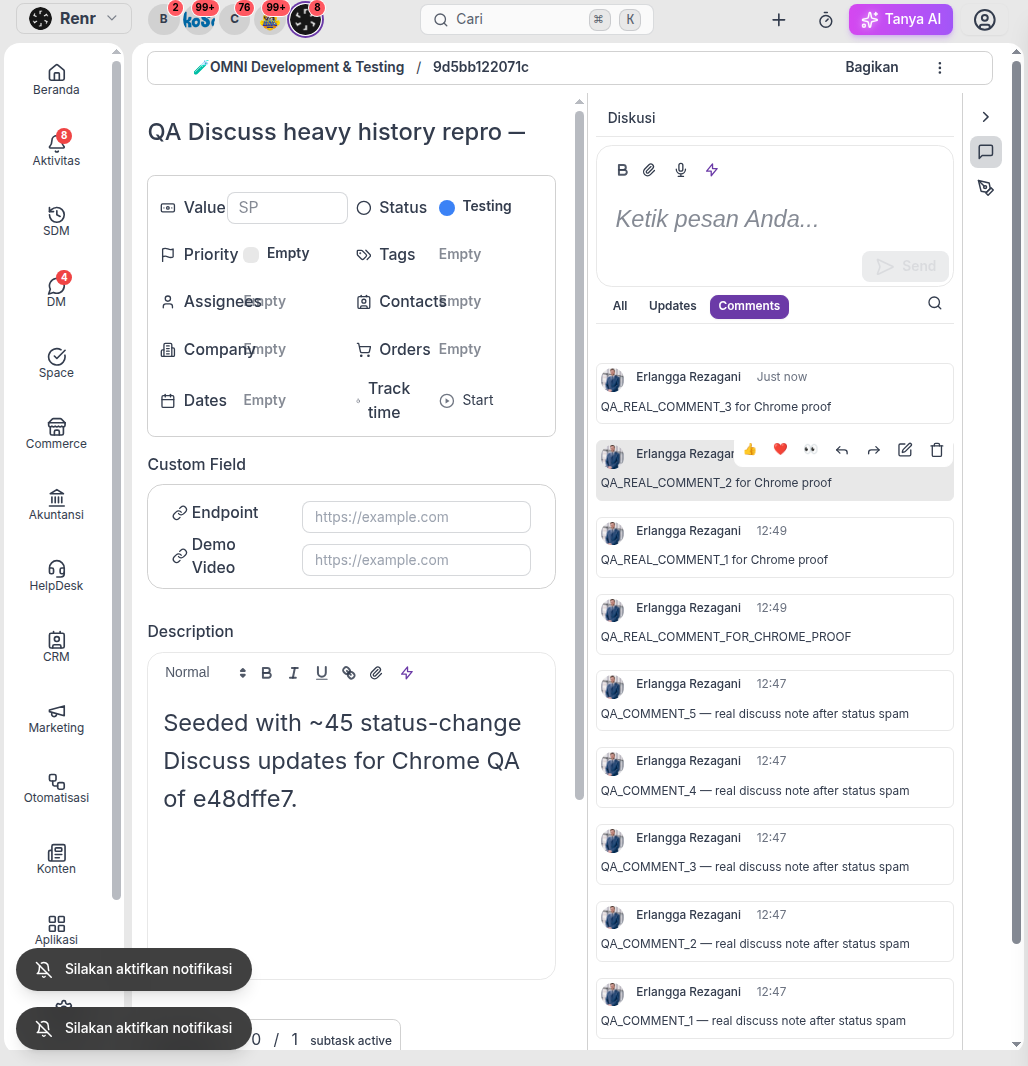
Switch filters when you need them
Use the chips at the top of Discuss:
- Comments — human messages only (default)
- Updates — status and field-change audit trail
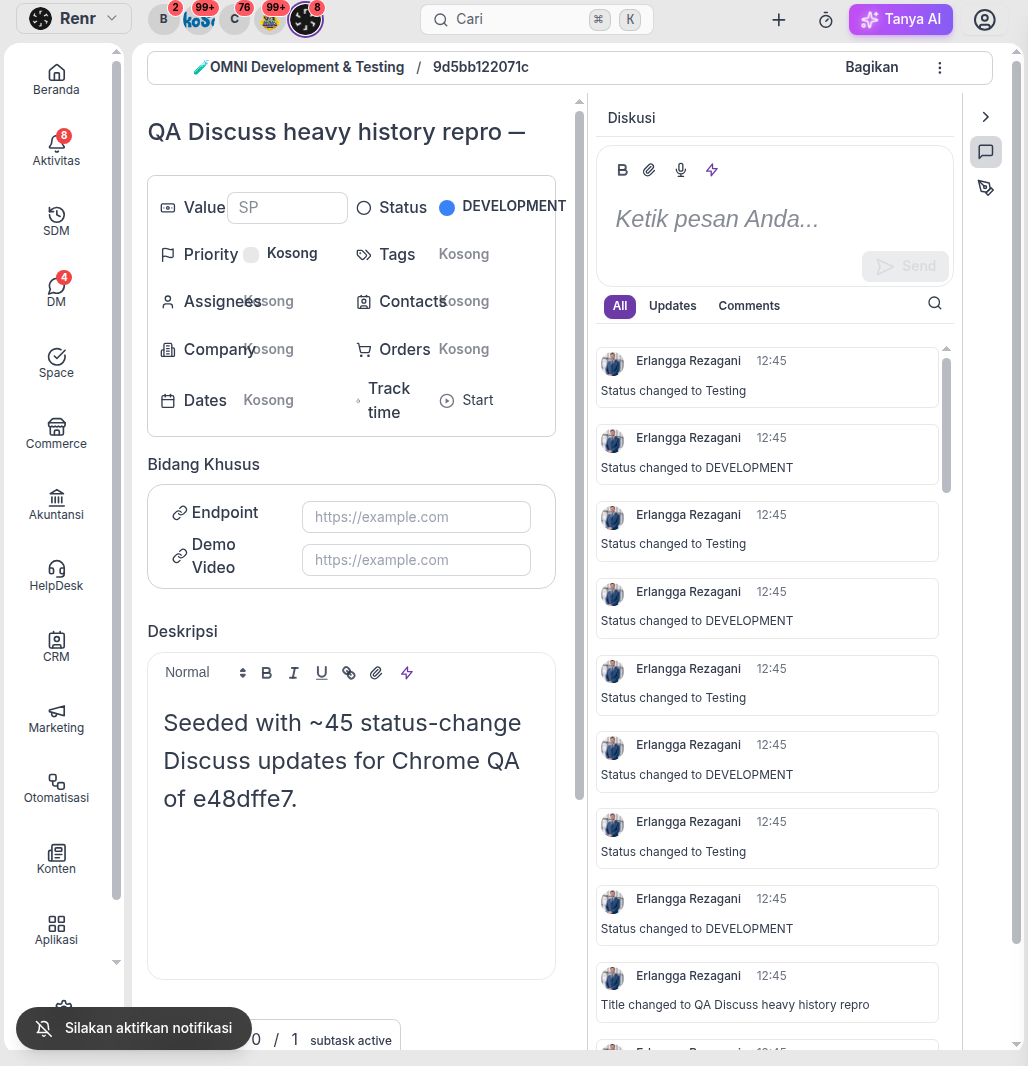
- All — mixed history for long-running work
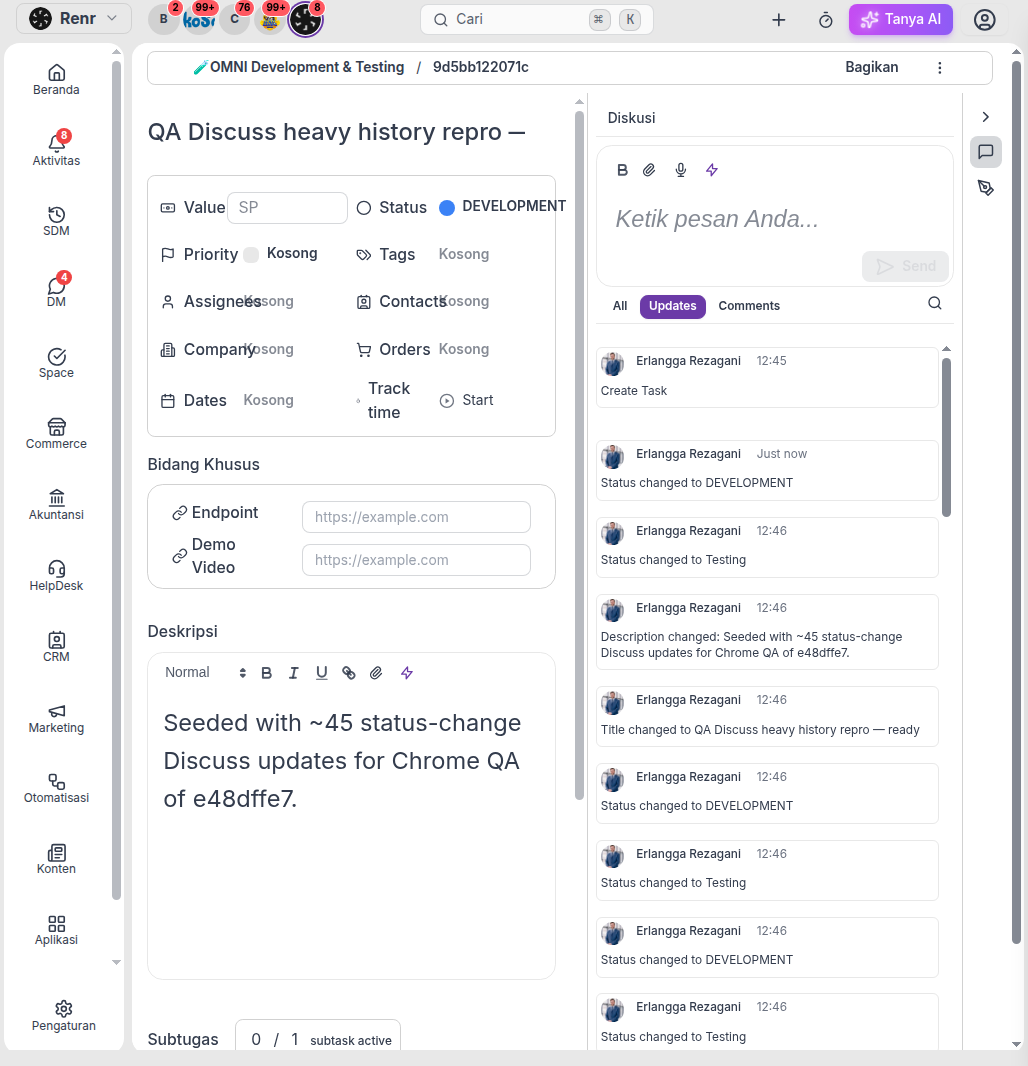
Lighter history on busy threads
Long Discuss threads page about 50 messages at a time. Scroll up to load older ones. Your active filter chip stays selected while paging — including Updates-only status history — and the Discuss panel does not nest or wipe the composer.
Open from a notification (deep-link)
When you open Discuss from a notification, Omni lands you on that message inside a continuous window of nearby comments — older and newer neighbors stay in order, so mid-history links no longer skip messages around the one you opened.
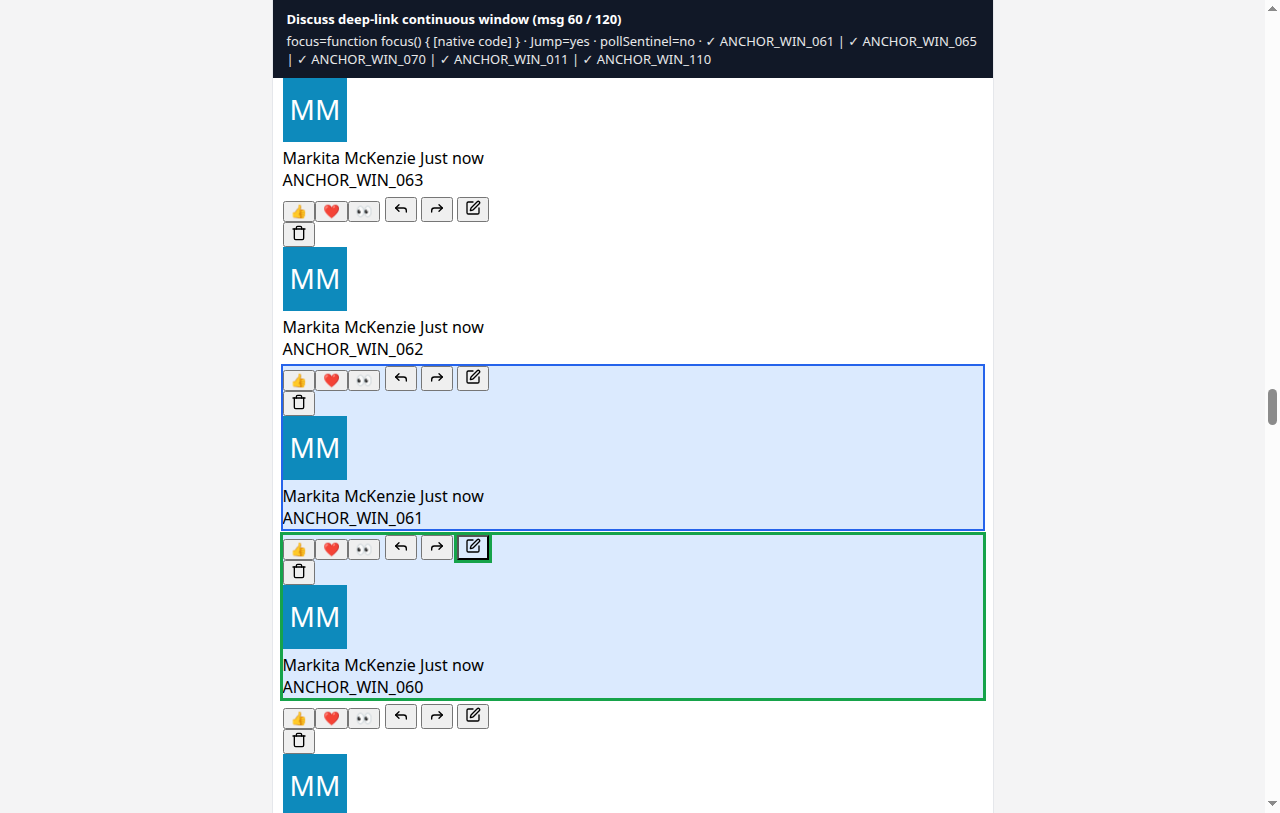
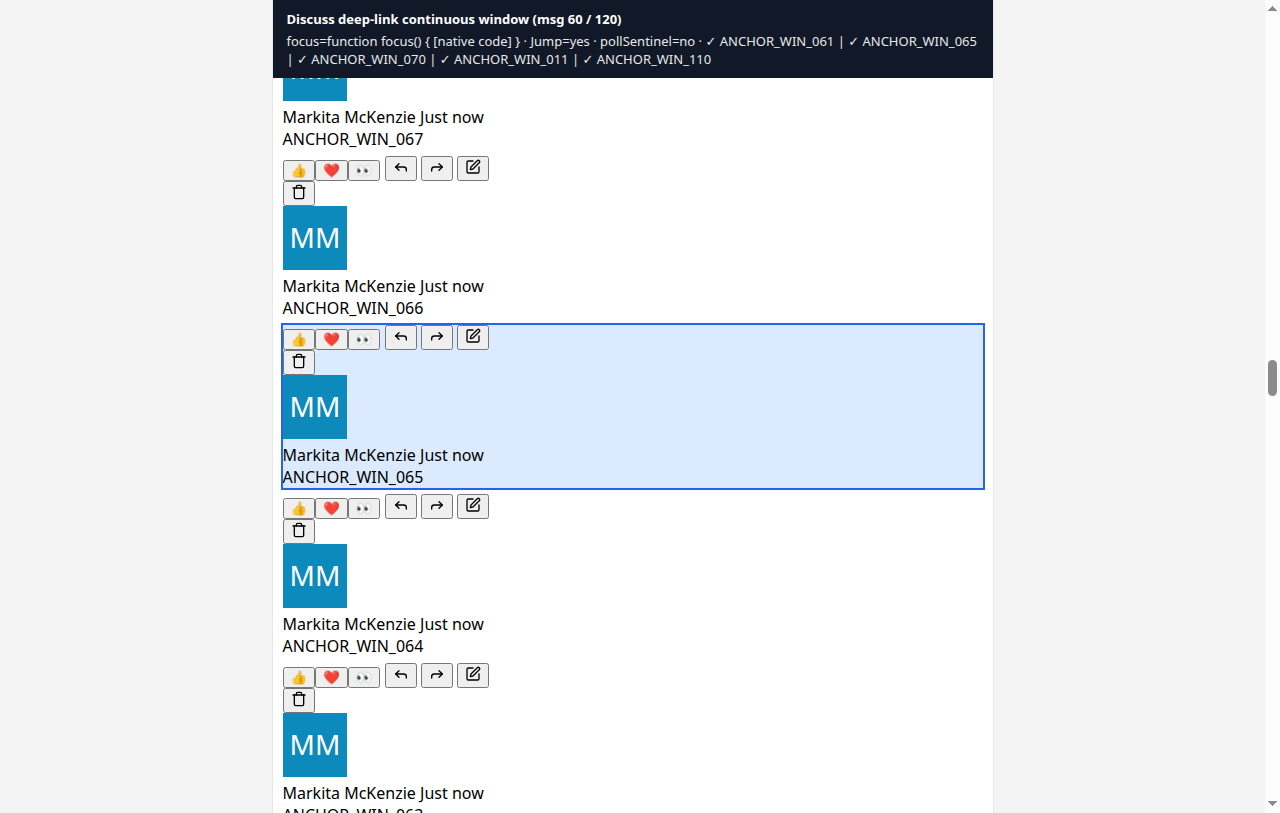
Continuous deep-link — the opened comment stays highlighted, and the surrounding history stays complete.
Rapid replies in the same second
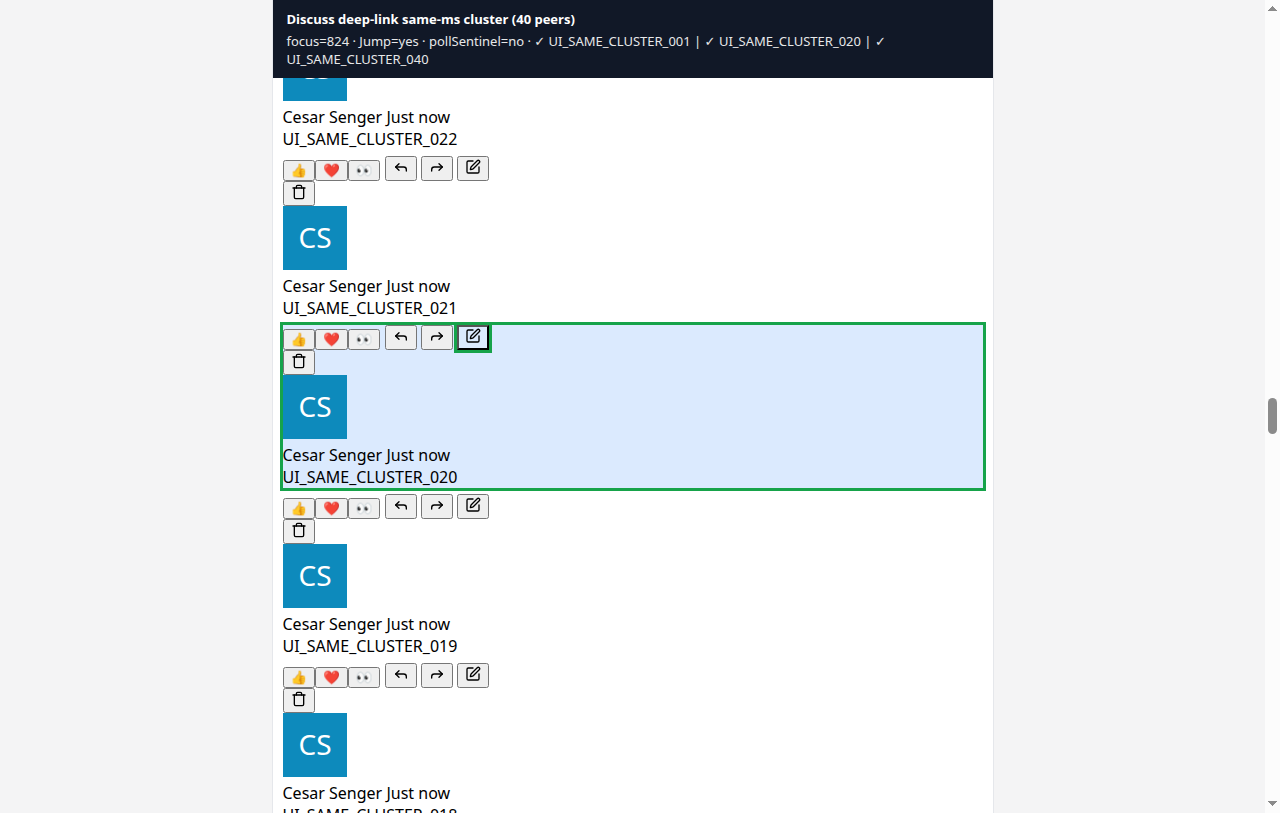
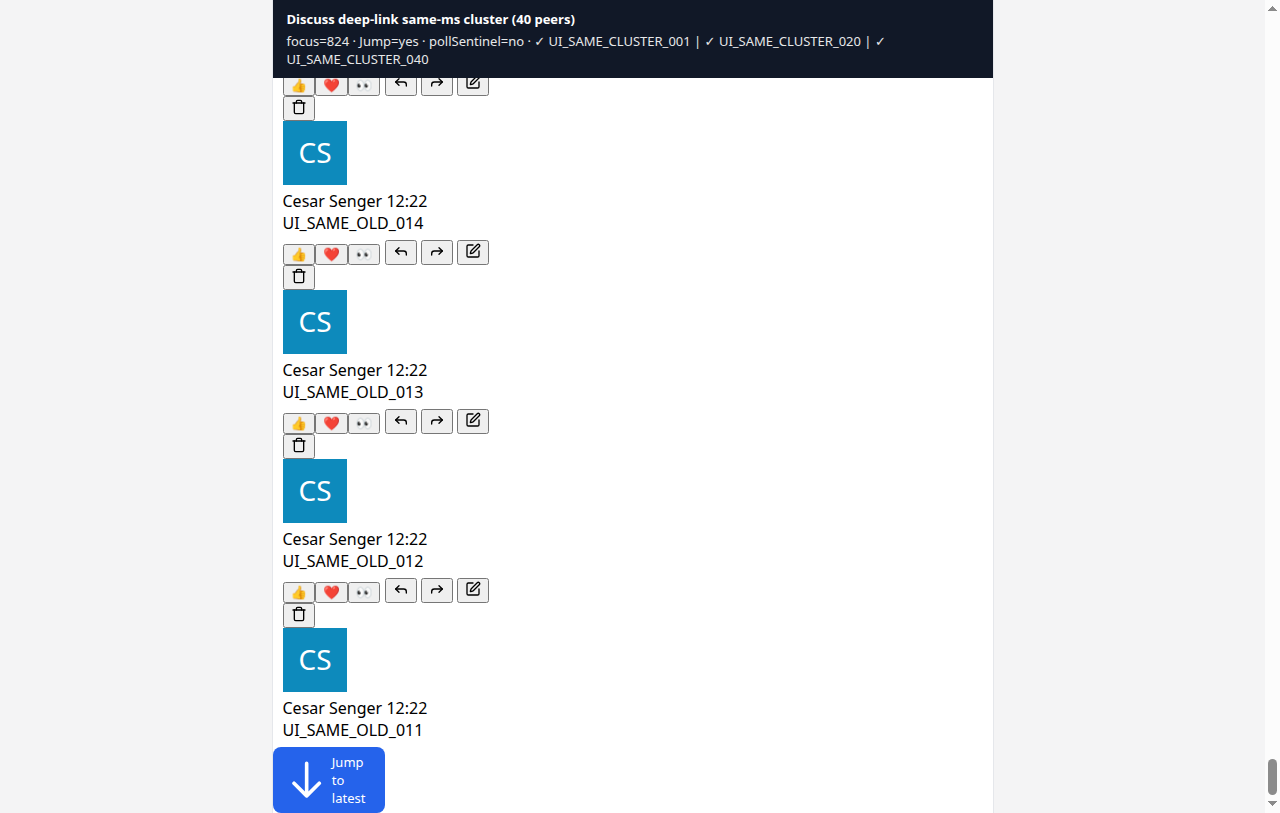
When several teammates reply in the same moment, those messages stay clustered around the one you opened. Deep-links no longer drop neighbors that share the same timestamp.
Jump to latest keeps your filter
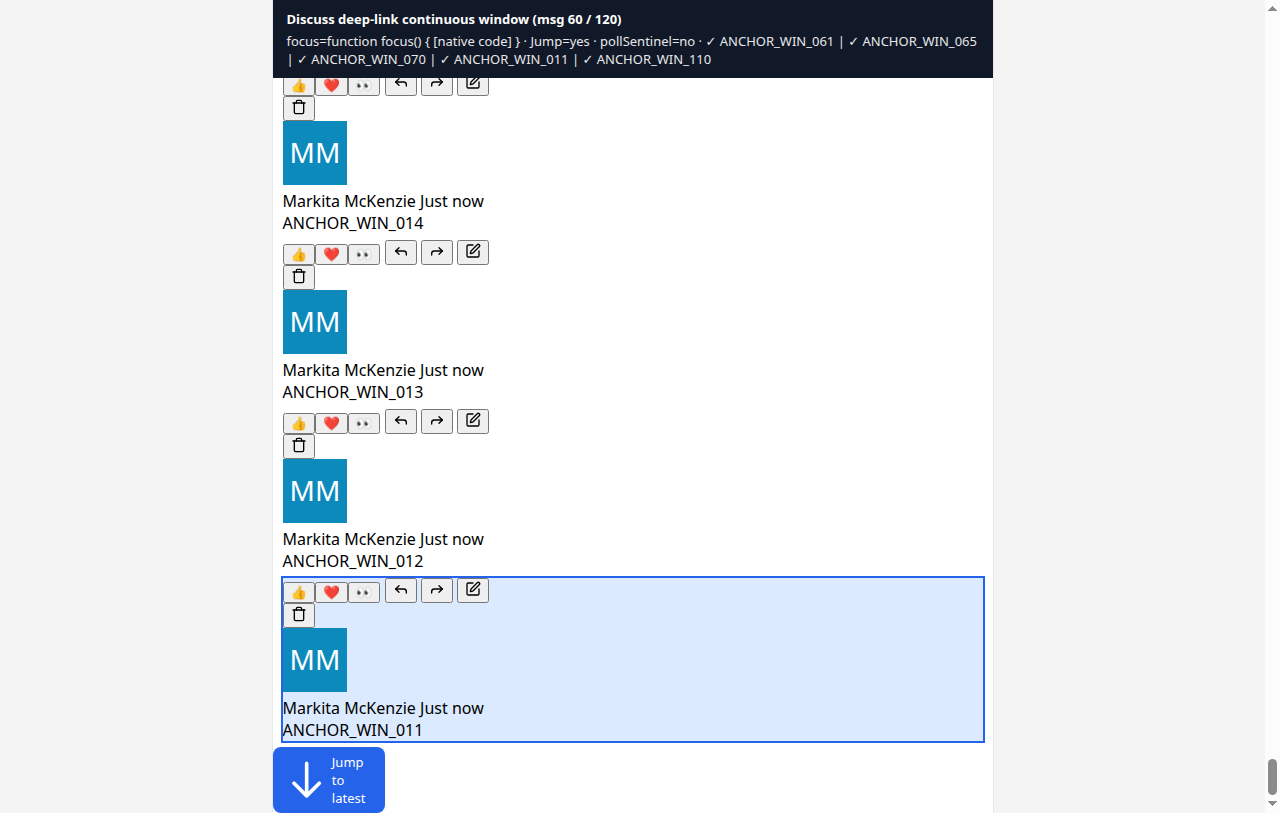
If newer messages exist below the deep-link, tap Jump to latest to return to the tip of the thread. Your filter chip is preserved — Comments, Updates, or All stay selected.
Works on mobile too
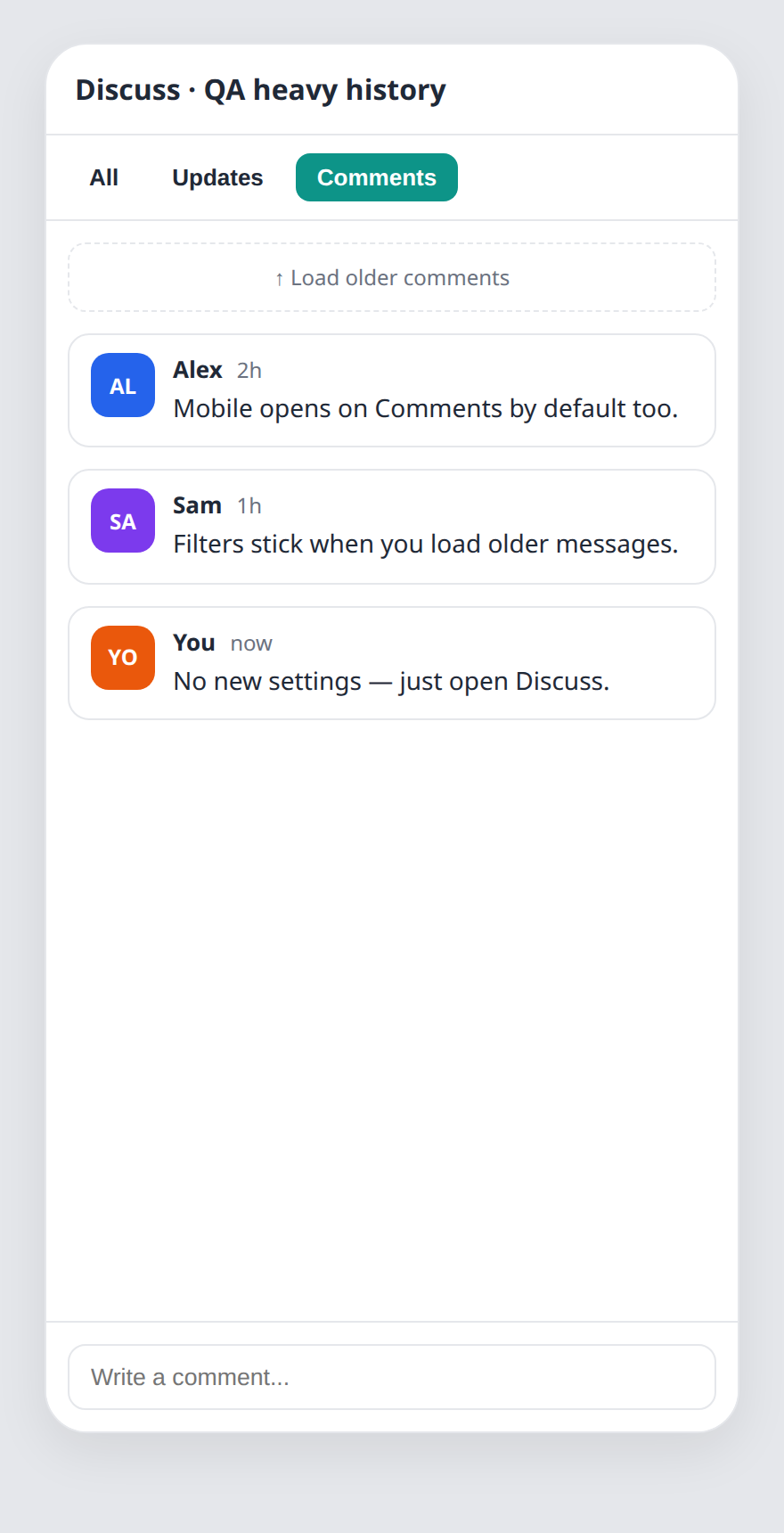
Mobile Discuss also opens on Comments by default, and notification deep-links use the same contiguous window. No new settings required — after deploy, open any busy task → Discuss and start on Comments.
Tips for busy tasks
- Stay on Comments for day-to-day collaboration.
- Switch to Updates when you need the status audit trail only.
- Use All for a full mixed history on long-running work.
- Scroll up to load older pages — your filter chip stays active.
- Open notification links anytime — neighbors stay continuous, then use Jump to latest when you are ready for the tip.