.png)
Lupa kata sandi Anda? Hal ini terjadi pada semua orang. Anda dapat mengatur ulang sendiri hanya dalam beberapa menit — tanpa perlu menghubungi dukungan. Panduan ini memandu Anda melalui proses meminta tautan pengaturan ulang, memilih kata sandi baru, dan masuk kembali.
Sebelum memulai
- Akses ke kotak masuk dari alamat email yang Anda gunakan saat mendaftar — tautan pengaturan ulang dikirim ke sana.
- RENR berjalan di app.renr.ai pada peramban web modern apa pun.
Atur ulang kata sandi Anda
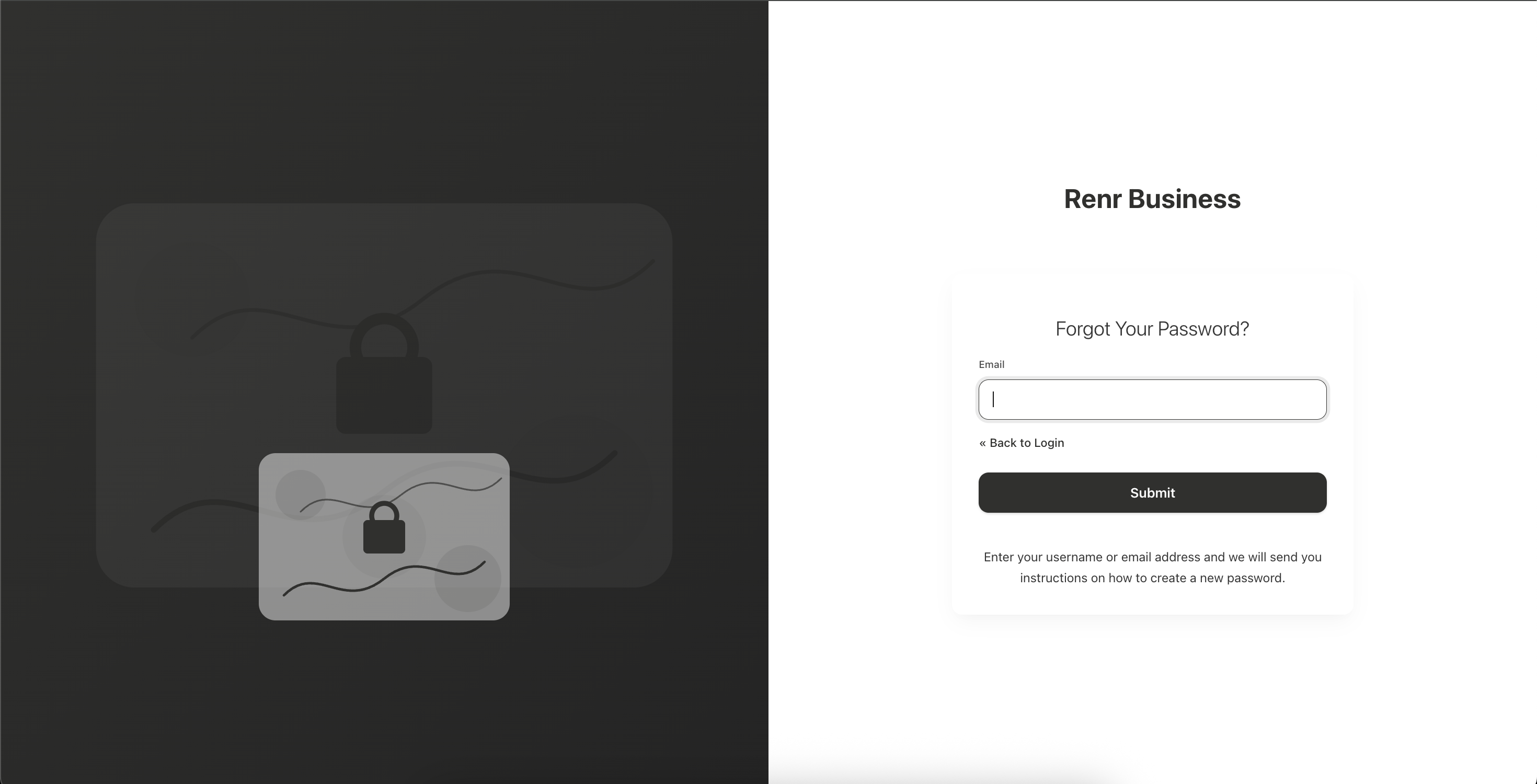
- Buka app.renr.ai dan tunggu hingga layar masuk dimuat.
- Di bawah formulir login, klik tautan Forgot Password?.
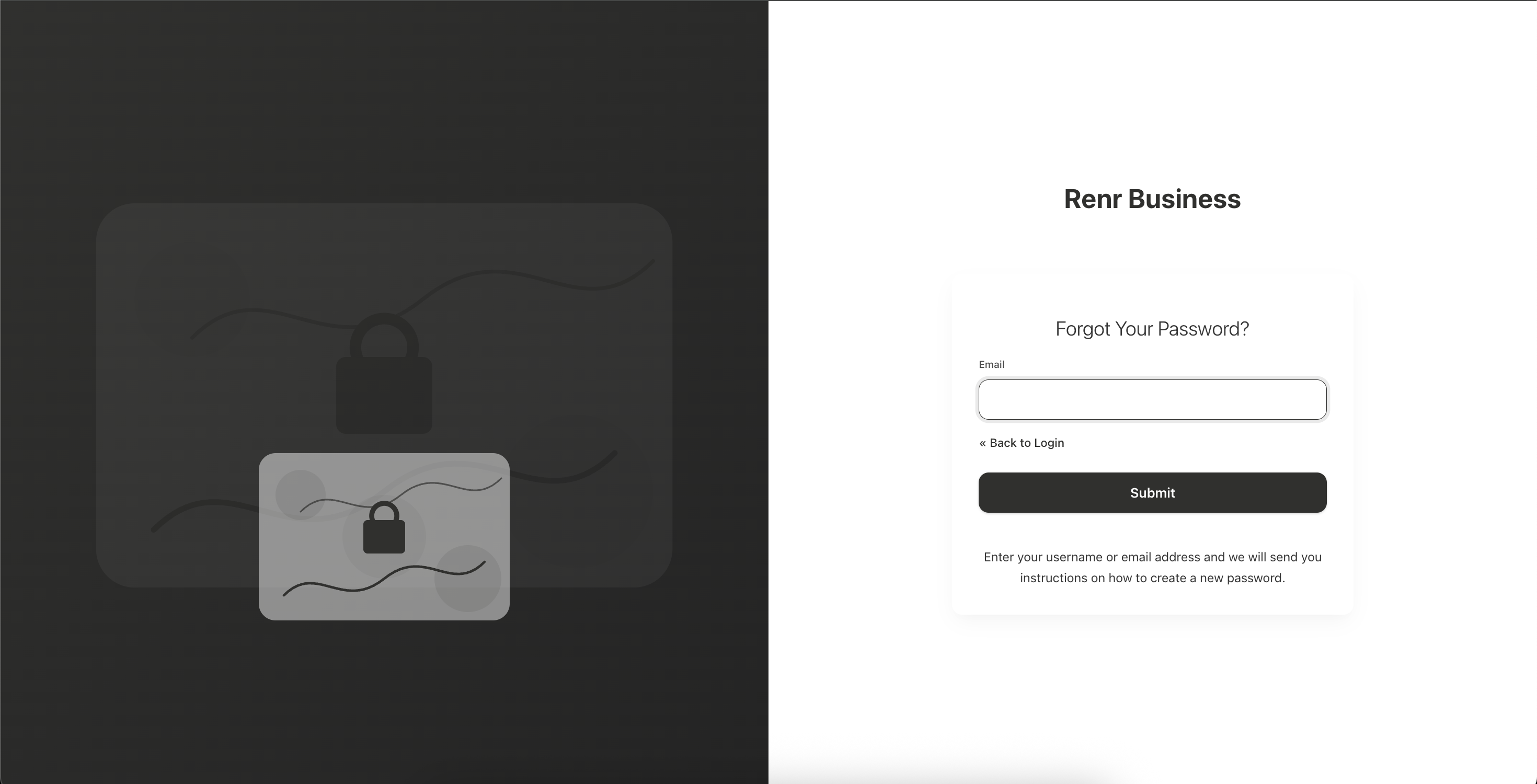
- Masukkan alamat email terdaftar Anda, lalu klik Submit.
- Periksa kotak masuk Anda untuk email pengaturan ulang kata sandi dari RENR dan buka email tersebut.
- Klik tautan pengaturan ulang di email untuk membuka halaman Update Password.
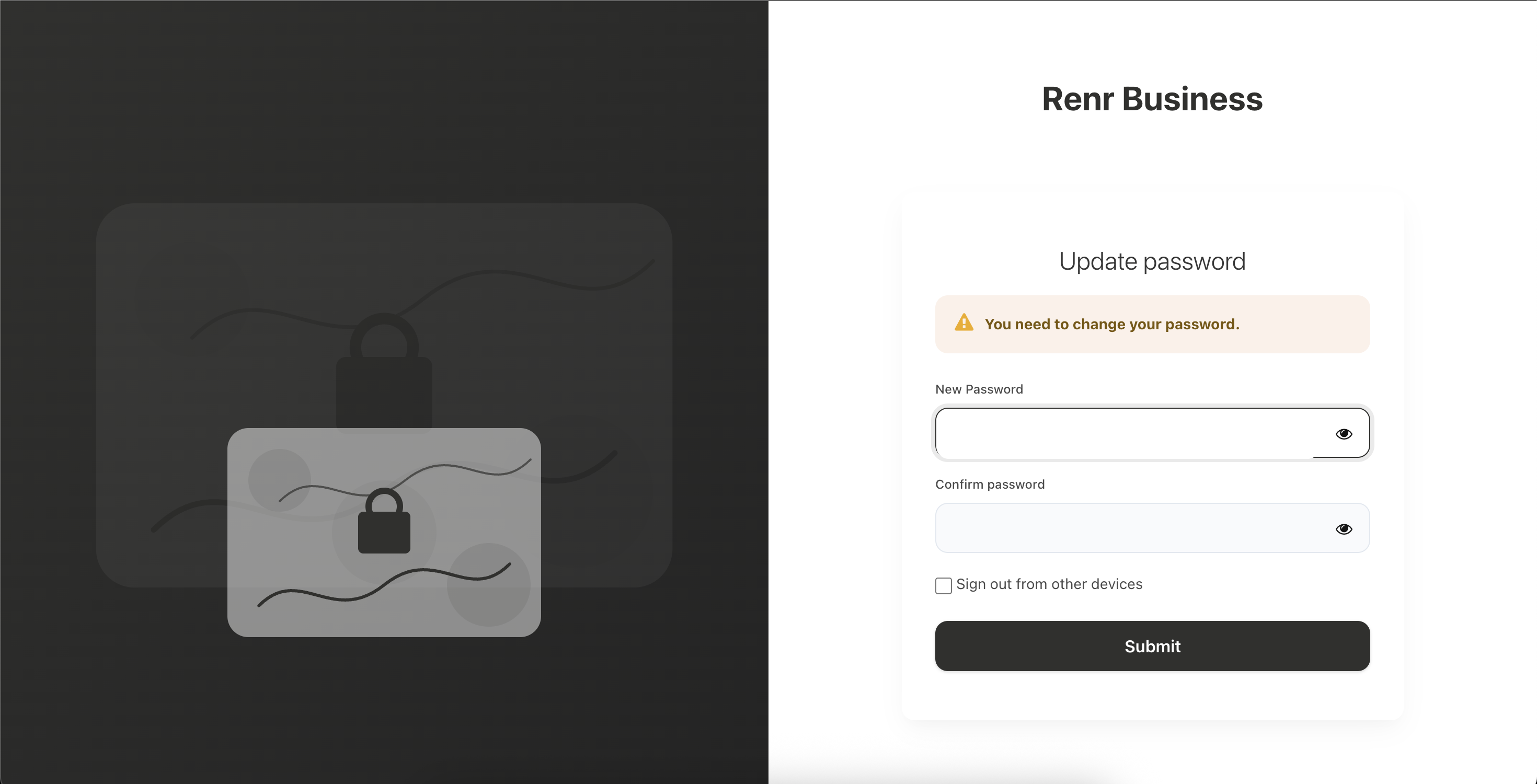
- Masukkan New Password Anda, lalu masukkan kembali di Confirm Password.
- Klik Submit untuk menyimpan kata sandi baru Anda.
Tip: Pilih kata sandi yang kuat dan unik — minimal 8 karakter yang memadukan huruf, angka, dan simbol. Hindari menggunakan kembali kata sandi dari situs lain.
Catatan: Tautan pengaturan ulang memiliki batas waktu dan hanya dapat digunakan sekali. Jika sudah kedaluwarsa, cukup mulai lagi dari tautan Forgot Password? untuk meminta yang baru.
Tidak menerima email?
- Periksa folder spam atau junk Anda sebelum meminta tautan baru.
- Pastikan Anda memasukkan alamat email yang sama dengan yang Anda gunakan saat mendaftar.
- Tunggu beberapa menit — pengiriman dapat tertunda — lalu minta tautan lagi.
Mendaftar dengan Google atau LinkedIn? Akun Anda tidak memiliki kata sandi RENR untuk diatur ulang. Di layar masuk, klik Google atau LinkedIn untuk masuk.
Masuk dengan kata sandi baru Anda
Kembali ke app.renr.ai, masukkan email dan kata sandi baru Anda, lalu klik Sign In. Anda sudah masuk kembali — buka beranda RENR Anda untuk melanjutkan dari tempat Anda berhenti.