.png)
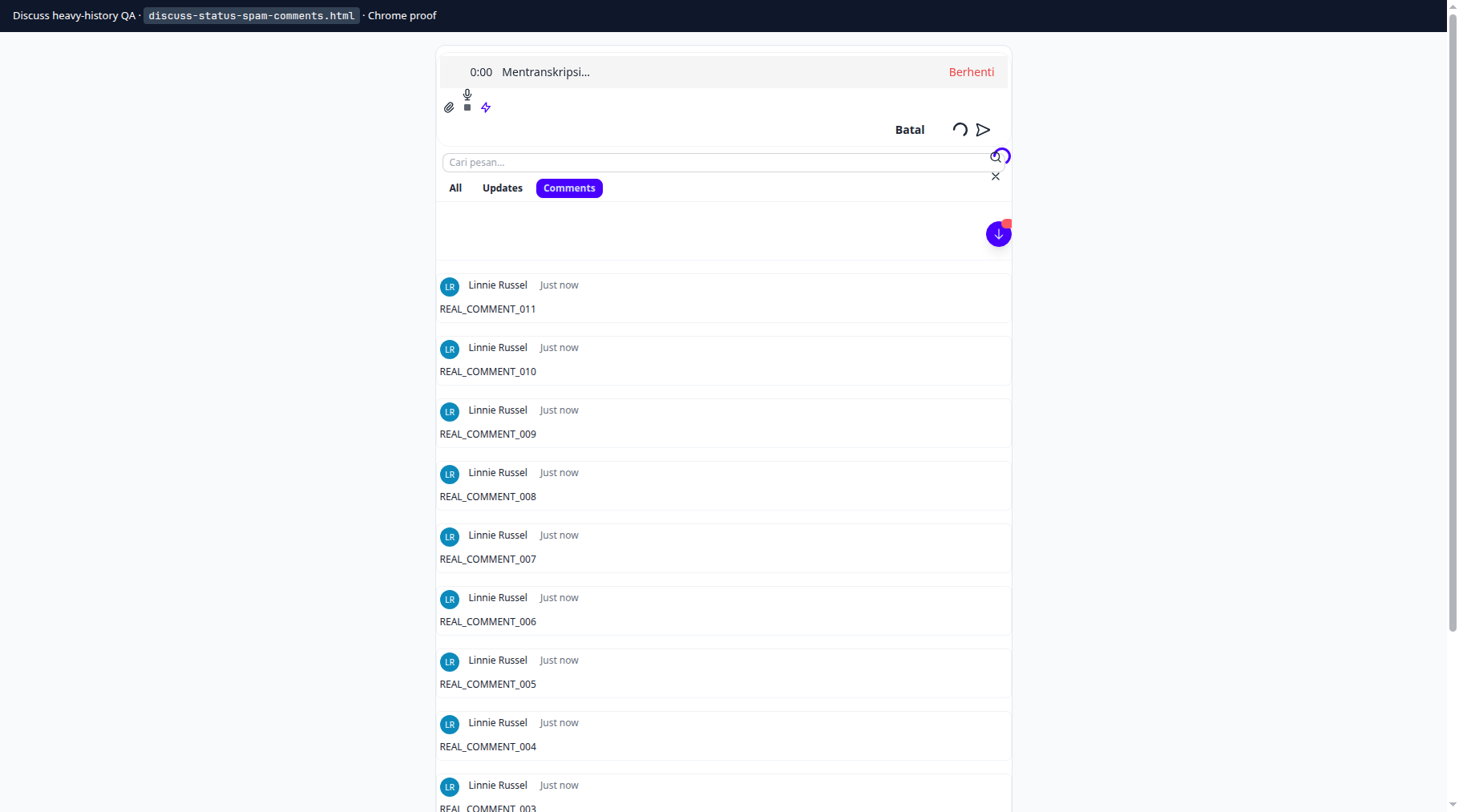
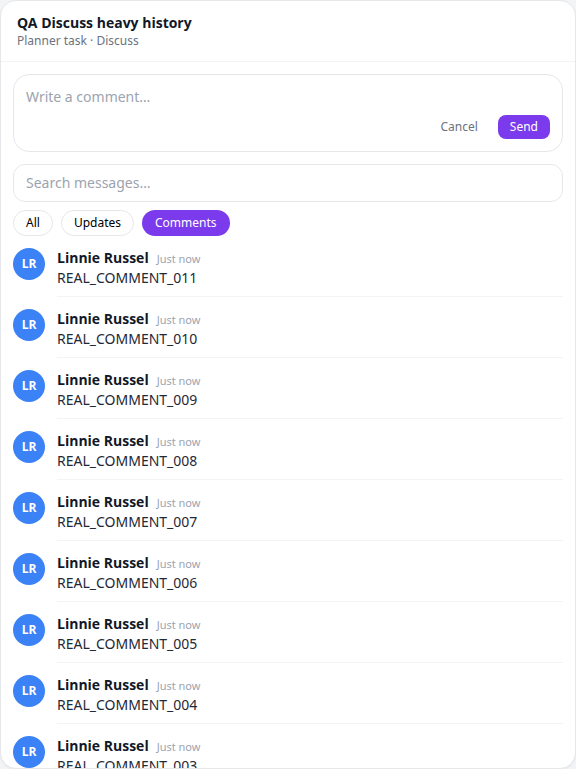
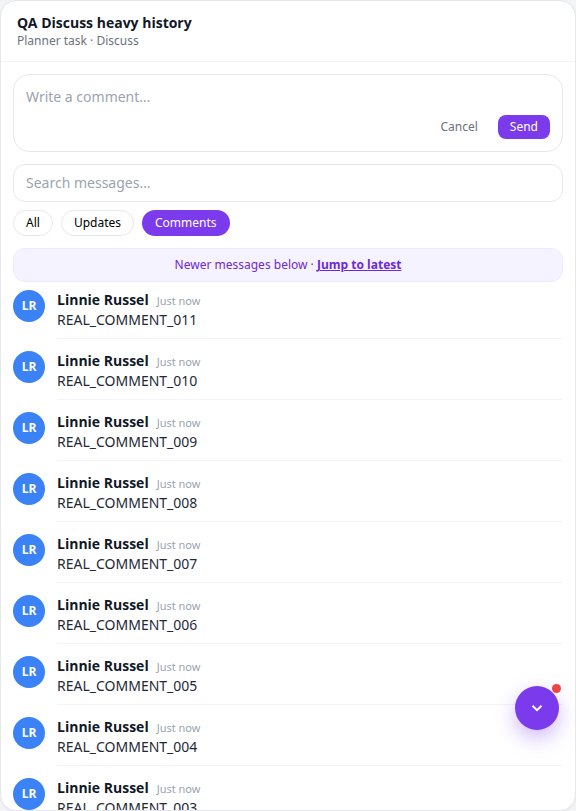
On a Planner task, the Discuss panel opens on Comments by default so real conversation stays front and center.
What changed
- Comments by default — status spam stays out of the way.
- Lighter history — ~50 messages per page; scroll up to load older.
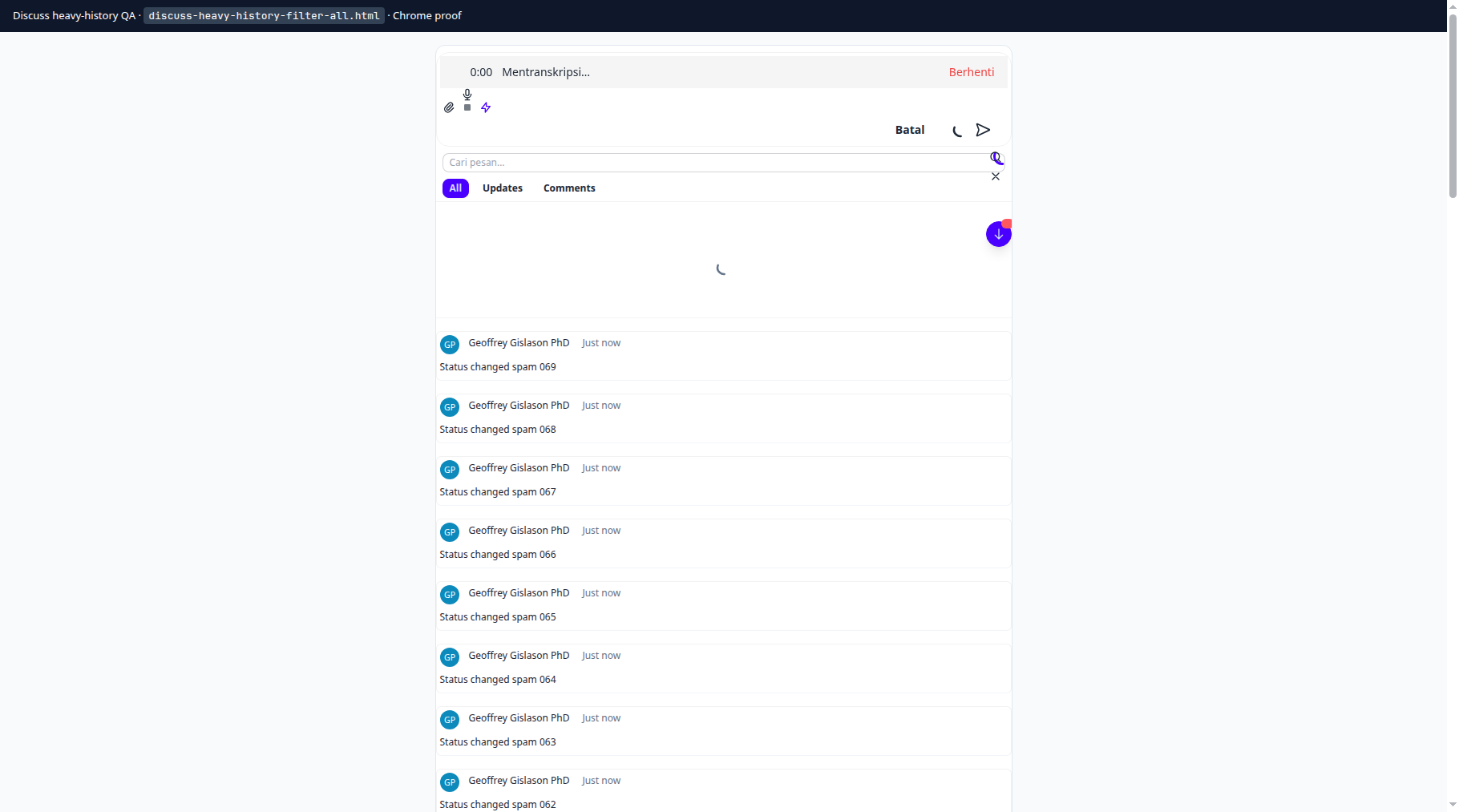
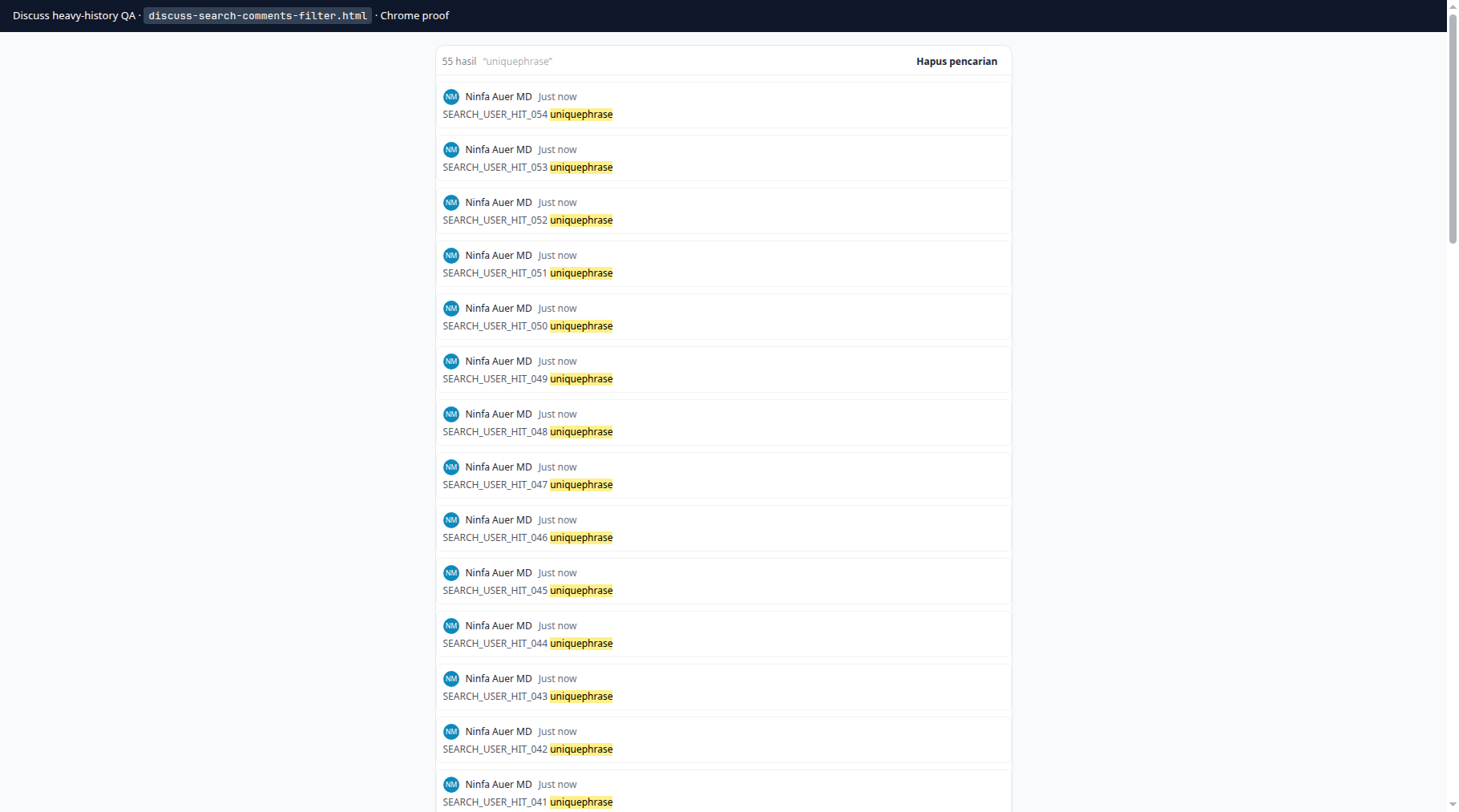
- Sticky filters — load-older, poll, Jump, and search keep Comments / Updates / All.
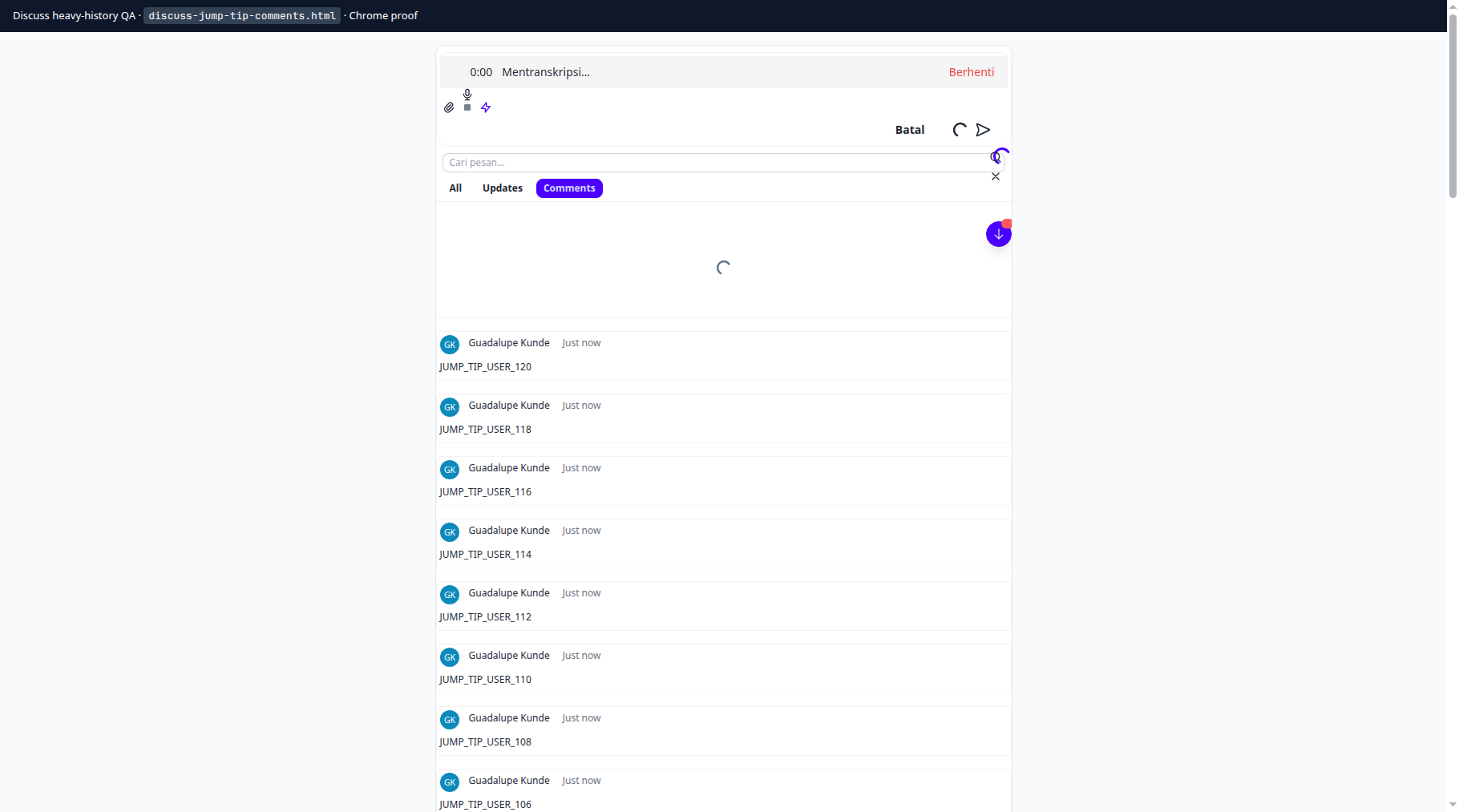
- Reliable Jump — Jump to latest swaps the panel cleanly after a deep-link.
Filters
- Comments (default)
- Updates — system activity
- All — full audit trail
Jump to latest
From a notification deep-link, use Jump to latest. Your filter chip is preserved.
Search keeps your filter
No new settings. Open any busy task → Discuss.