.png)
Welcome to RENR! Creating your account takes just a couple of minutes. This guide walks you through registering, verifying your email, and signing in for the first time.
Before you start
- A valid, accessible email address — you will use it to verify your account and to sign in.
- A modern web browser. RENR runs at app.renr.ai.
Create your account
- Open app.renr.ai in your browser.
- On the sign-in screen, click the Register button below the login form.
- Enter your full name, a valid email address, and a password.
- Click Register to create your account.
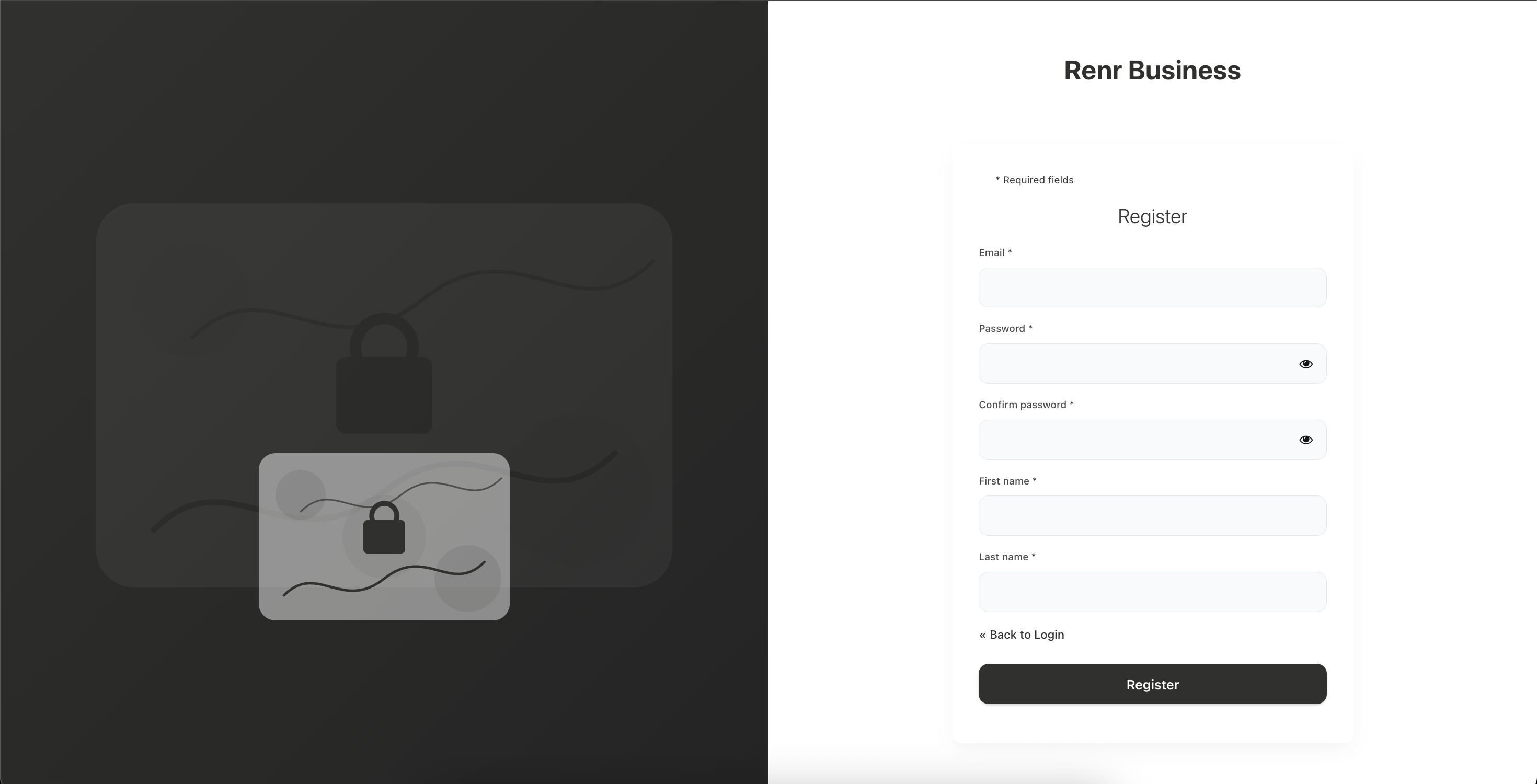
Tip: Use a strong, unique password — at least 8 characters mixing letters, numbers, and symbols. You can add an extra layer of protection later with Two-Factor Authentication.
Prefer not to set a password? On the sign-in screen you can also continue with Google or LinkedIn instead of registering manually.
Verify your email
After registering, you may receive a confirmation email. Open your inbox and click the verification link to activate your account.
Note: If the email does not arrive within a few minutes, check your spam or junk folder before requesting a new link.
Sign in for the first time
Return to app.renr.ai and log in with your new credentials. New accounts land in your RENR home, where you can create a new business workspace or join one you have been invited to.