.png)
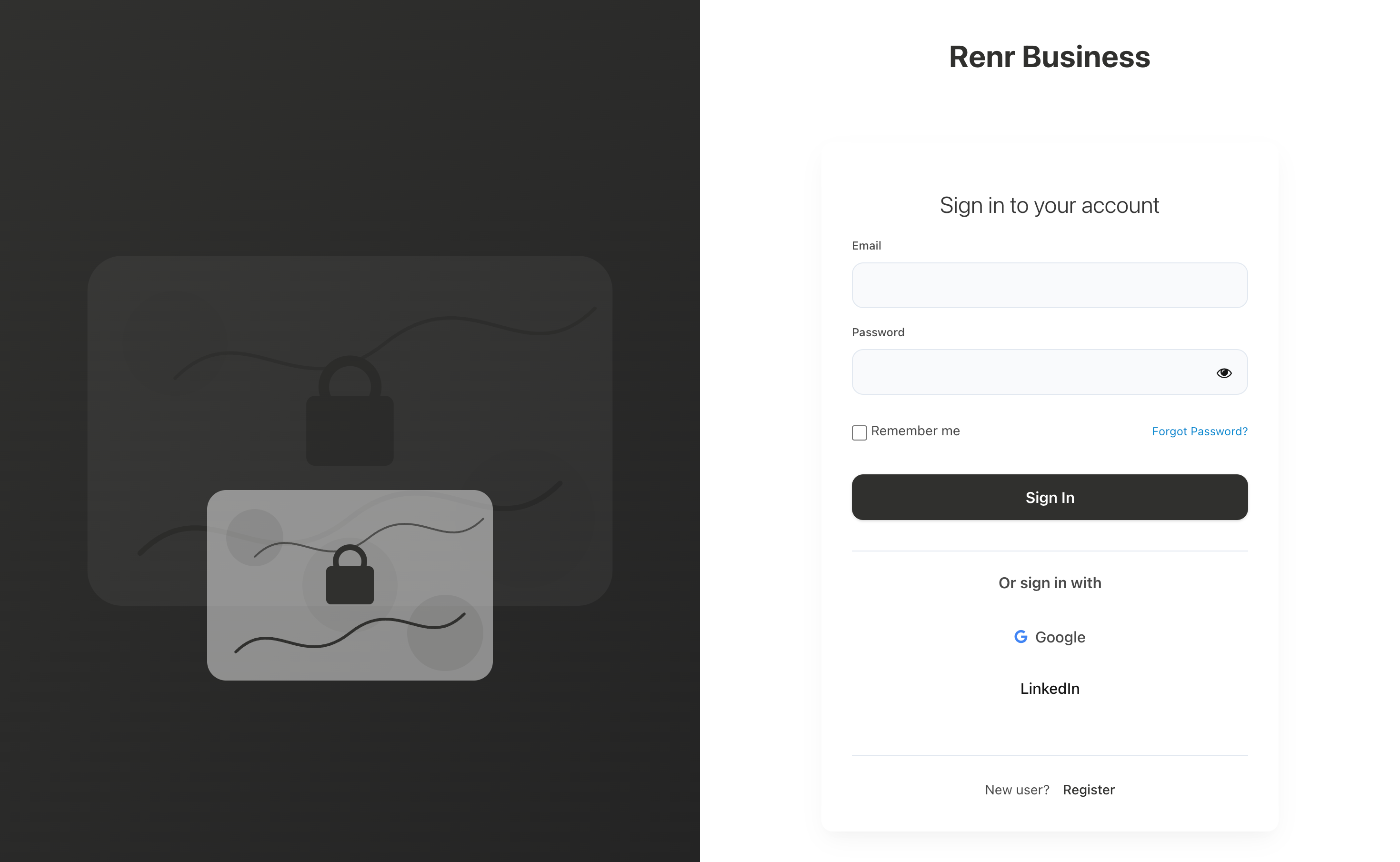
Welcome back! Signing in to RENR takes only a few seconds. You can log in with your email and password, or continue with Google or LinkedIn. This guide covers all three.
Before you start
- A registered RENR account. If you do not have one yet, see User Registration to create one first.
- RENR runs at app.renr.ai in any modern web browser.
RENR offers three ways to sign in — pick whichever suits you.
Log in with email and password
- Visit app.renr.ai.
- On the login screen, enter your registered email address (or username).
- Enter your password.
- Click Login to access your dashboard.
Tip: Tick Remember Me on the login screen to stay signed in on this device.
Log in with Google
- On the login page, click Login with Google.
- A Google login window appears. Select the Google account you want to use.
- After authorization, you are logged in automatically and redirected to the dashboard.
You are in! 🎉
Note: If your Google account is not linked yet, RENR creates a profile for you automatically.
Log in with LinkedIn
- On the login page, select Login with LinkedIn.
- You are redirected to the LinkedIn login page.
- Enter your LinkedIn email and password, then click Sign In.
- Authorize RENR to access your basic LinkedIn profile data.
- Once approved, you are redirected back to the application and logged in automatically.
First time signing in?
After your first successful login you land in your RENR home. From here you can create a new business workspace or join one you have been invited to.
Forgot your password?
On the sign-in screen, click the Forgot Password? link below the login form and follow the steps to reset it. For the full walkthrough, see Forgot your Password?.
Note: If you enabled Two-Factor Authentication, you will be asked for a one-time verification code right after your password.
Trouble signing in?
- Double-check your email address for typos and make sure Caps Lock is off.
- If you registered with Google or LinkedIn, sign in with that same provider rather than a password.
- Still stuck? Use Forgot Password? to reset your password and try again.