.png)
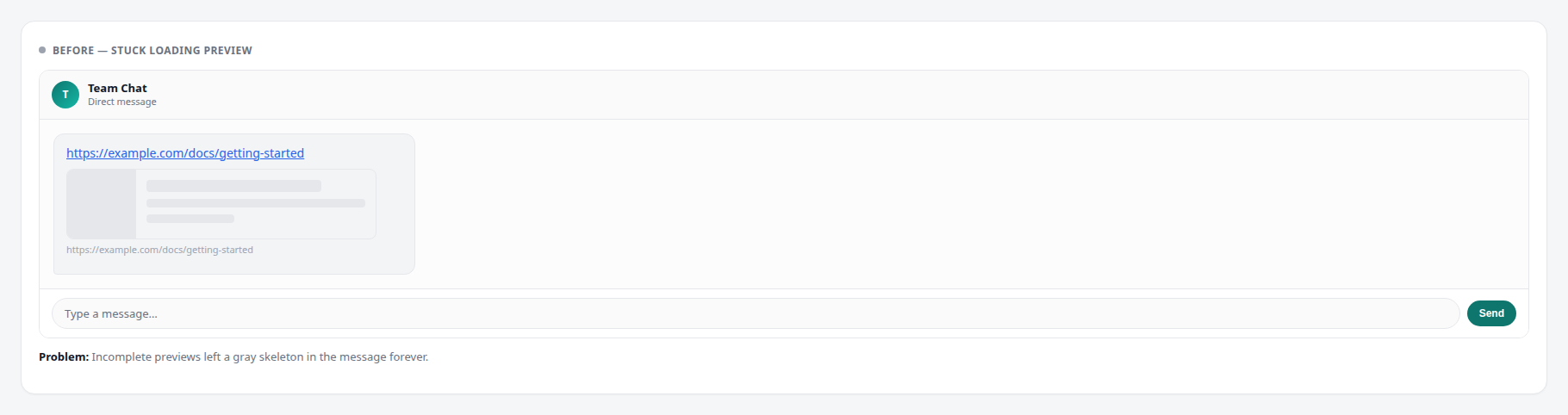
In Team Chat / Chatbox, Omni can show a rich preview when you paste a link. Sometimes the preview never finishes loading — older versions left a gray skeleton in the message.
What changed?
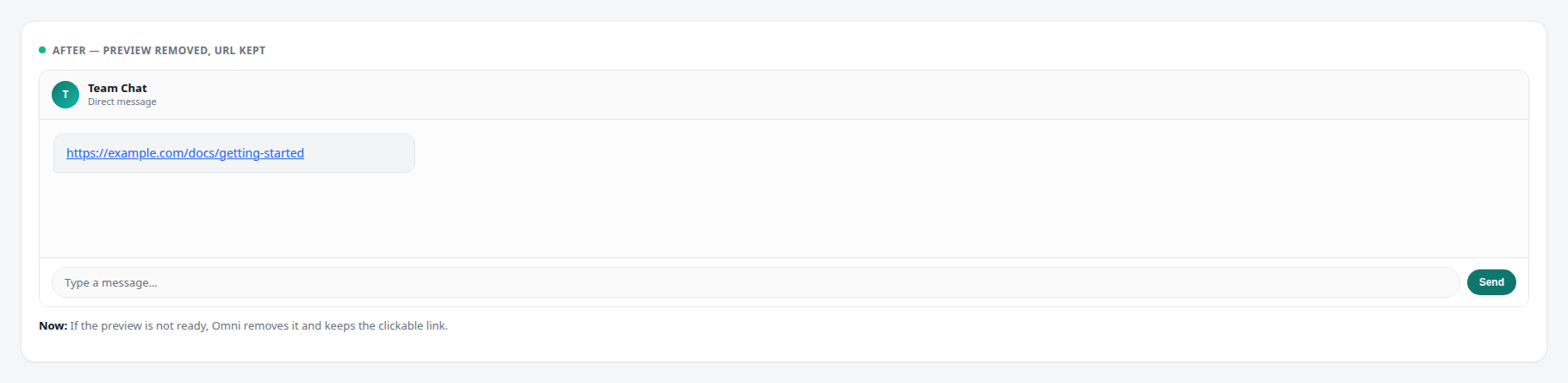
- Incomplete previews are removed — if a preview is still loading, failed, or has no usable data, Omni clears the skeleton.
- Your link stays clickable — the URL remains in the message so teammates can open it.
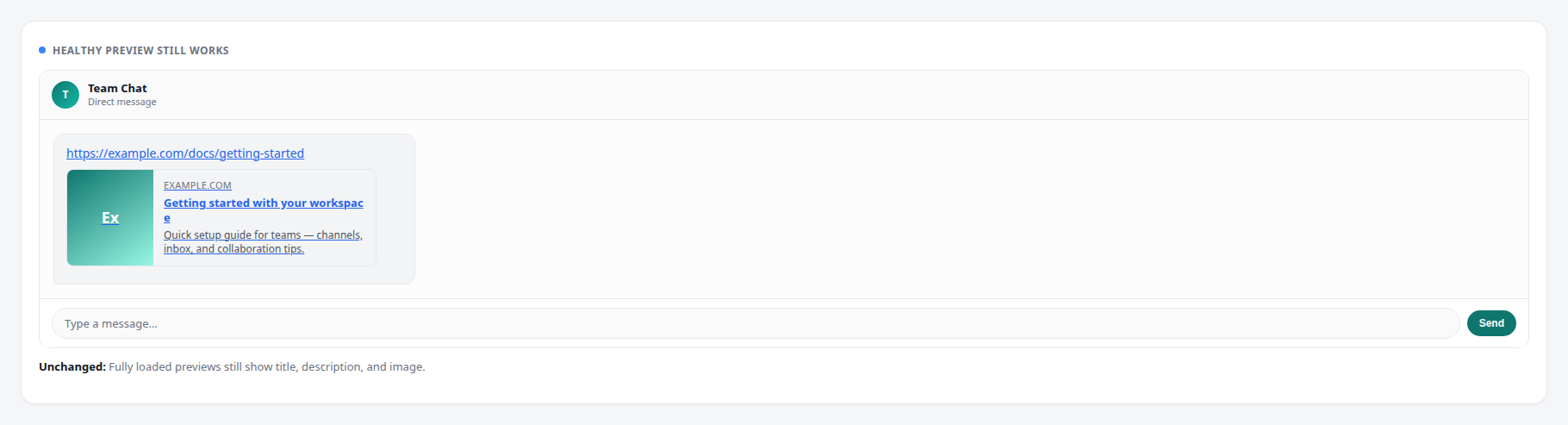
- Healthy previews are unchanged — when Open Graph data loads successfully, the title, description, and image still appear.
What you will see
- Open a conversation in Team Chat (or any Chatbox composer).
- Paste a URL. If a preview cannot finish, the gray loading card disappears and only the clickable link remains.
- When a preview loads successfully, you still get the rich card:
Tip: This cleanup also applies when editing or sending messages that still contain an unfinished preview — Omni strips it automatically so history stays clean.