.png)
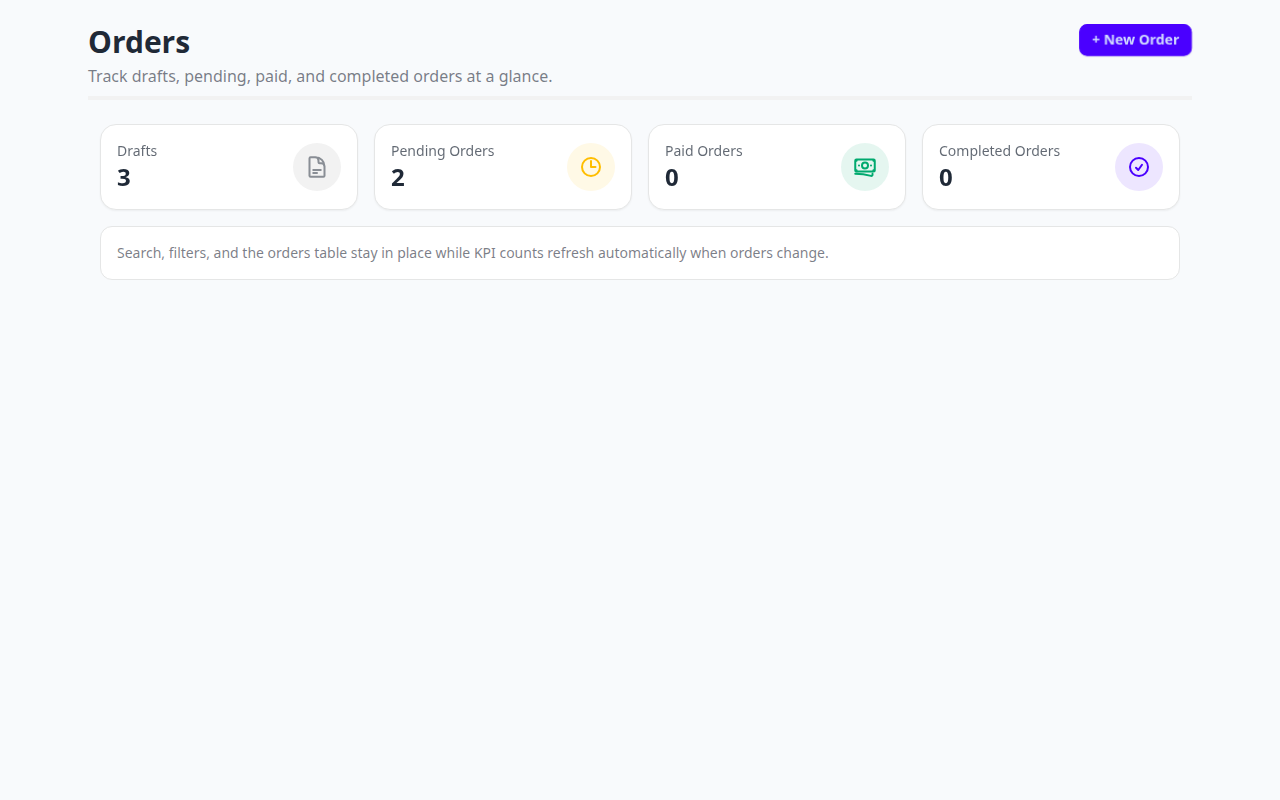
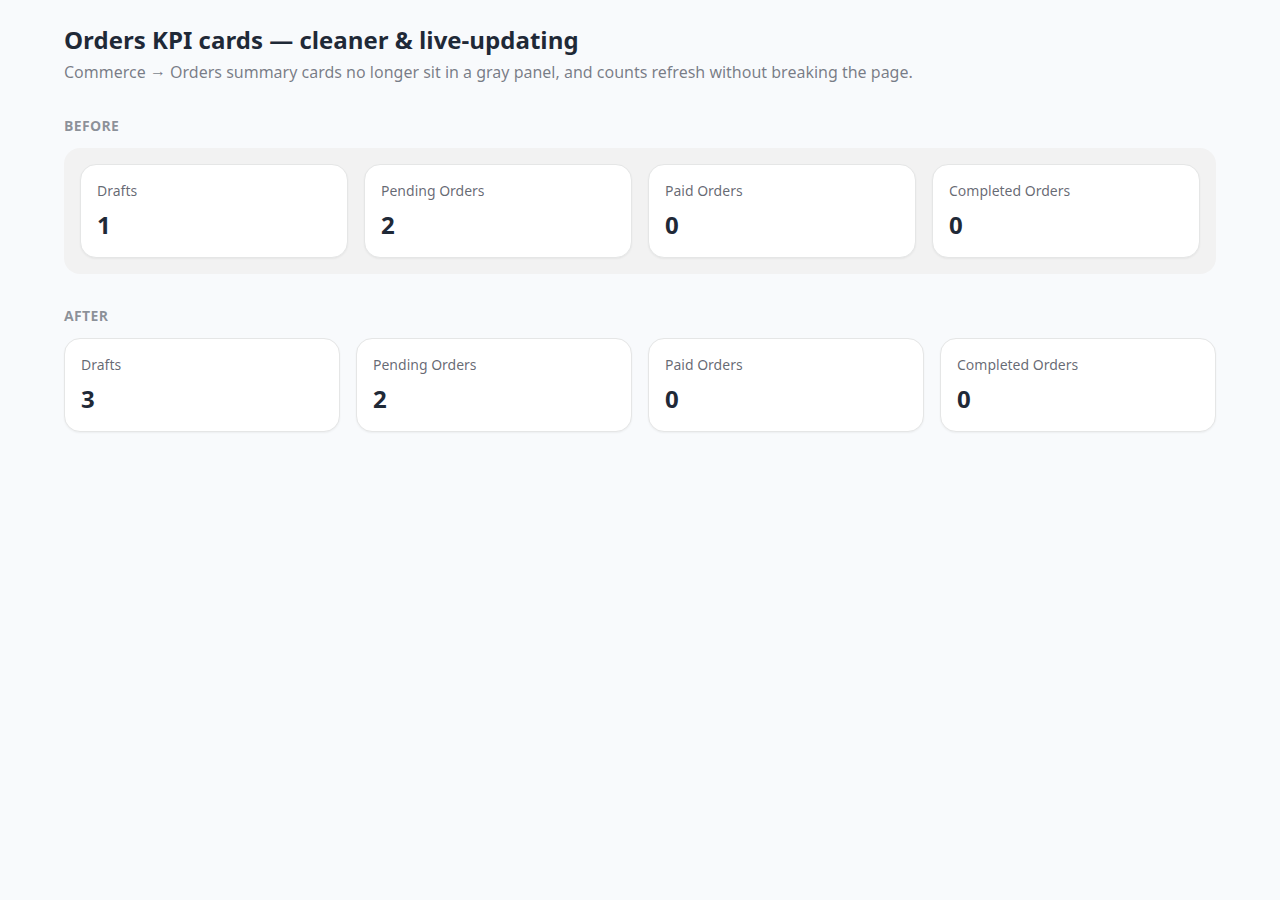
On Commerce → Orders, the summary KPI cards (Drafts, Pending, Paid, Completed) are now flatter — no gray panel behind them — and the counts refresh live when orders change, without breaking the search bar or table below.
What changed?
- Cleaner layout — KPI cards sit directly on the page (same pattern as Products / Invoices), without a gray slab wrapper.
- Live counts — when you create, update, cancel, or change an order status, the four KPI numbers reload automatically.
- Stable page — search, filters, and the orders table stay in place while only the KPI row refreshes.
How to use it
- Open Commerce → Orders.
- Read the four cards at the top: Drafts, Pending, Paid, Completed.
- Create or update an order — watch the matching count update without a full page reload.
- Keep using search and filters as usual; they are not affected by the KPI refresh.
No new permissions or settings are required — this is a visual and reliability improvement on the existing Orders list.