.png)
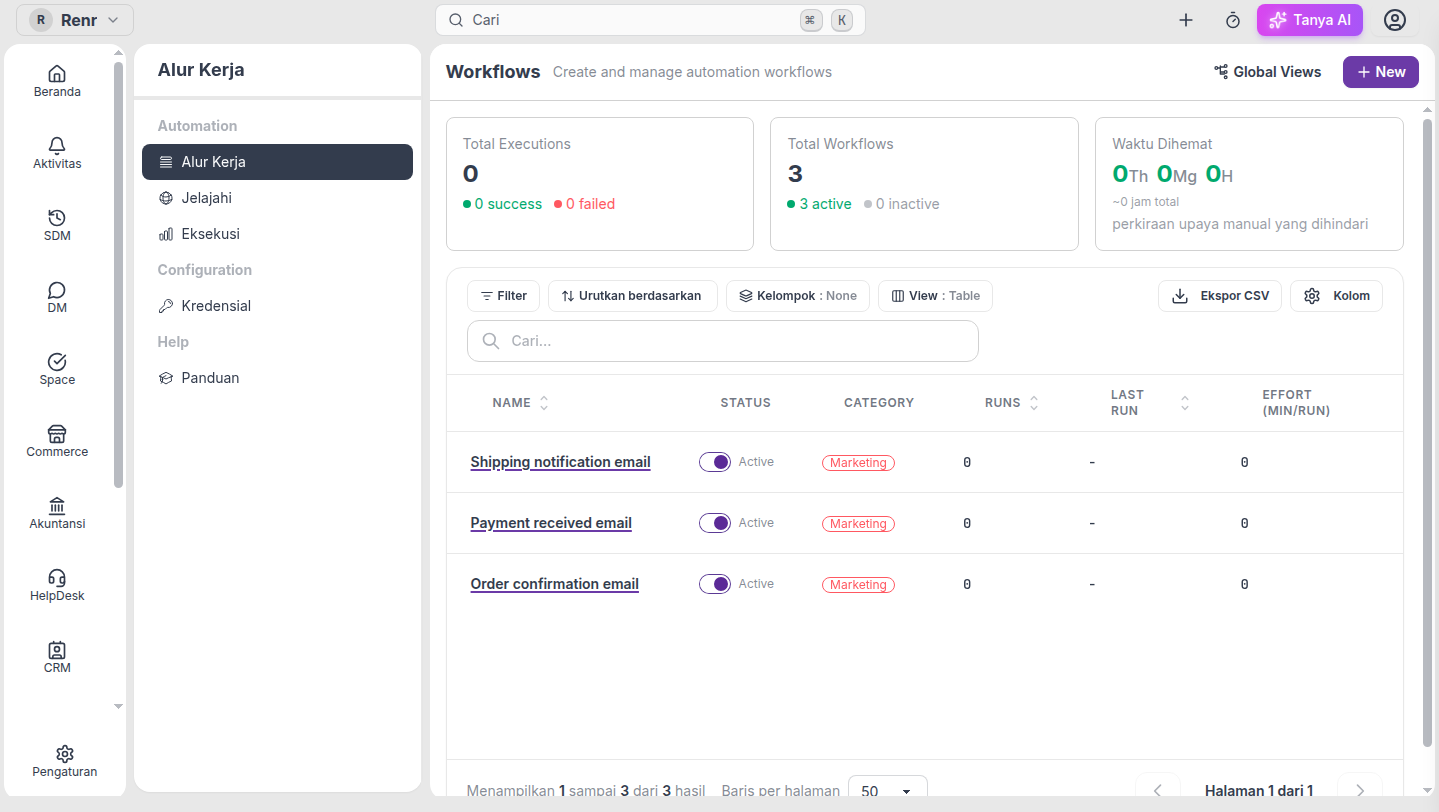
On the Workflows list you can turn automations on or off and edit a few fields without opening the designer. This keeps everyday changes fast — enable a finished flow, retag a category, or set effort minutes — while YAML edits still happen in the editor.
Turn a workflow on or off
- Open Automation → Workflows (the codes list).
- In the Status column, flip the toggle for that row.
- On (Active) — Renr compiles the workflow first. If validation fails, the toggle snaps back and you get an error notification; fix the workflow in the editor, then try again.
- Off (Disabled) — the workflow stops matching new events immediately. You can keep editing category and other list fields while it is disabled.
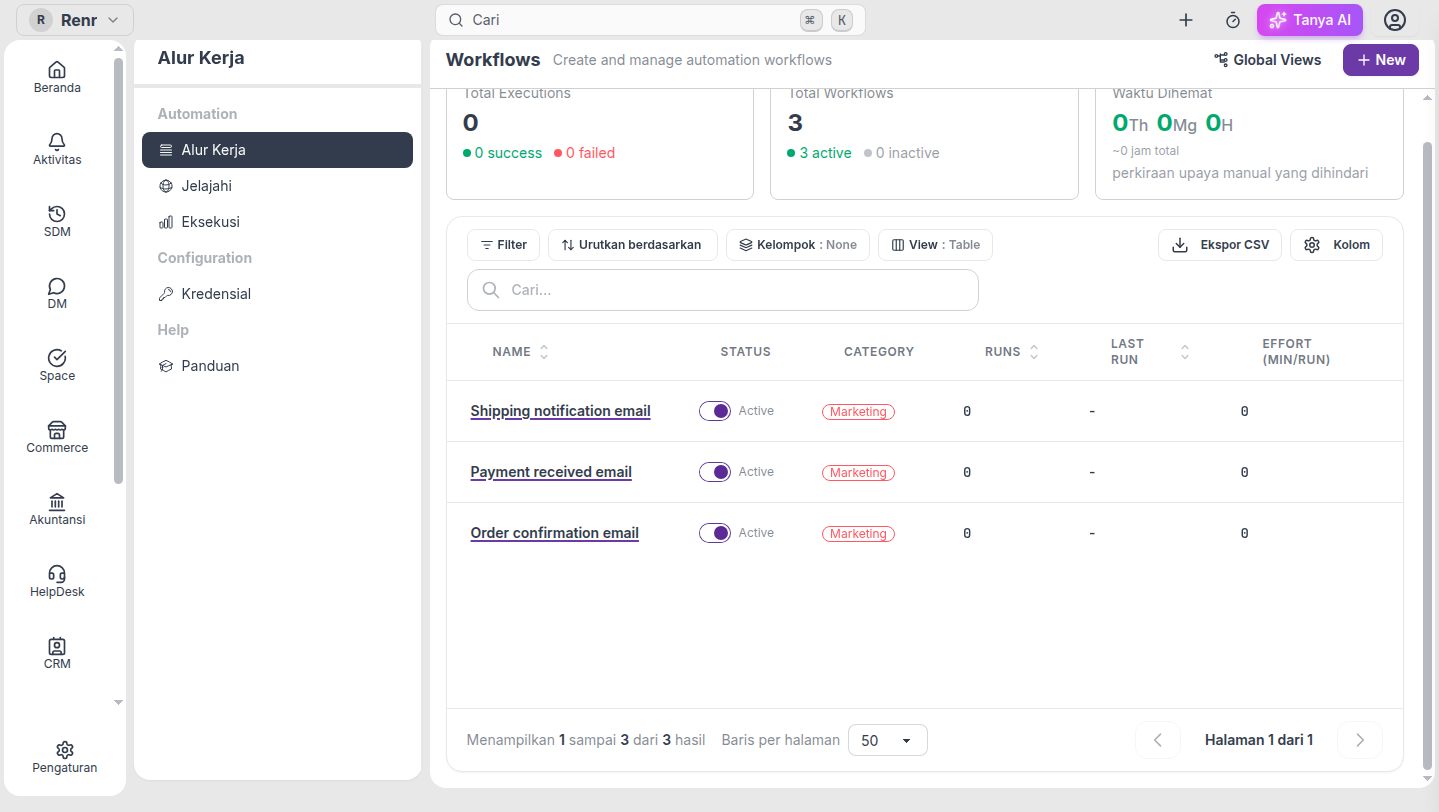
Tip: Enabling from the list uses the same compile check as the editor enable switch. Invalid credentials or unknown actions block enable — they do not leave a half-on workflow.
Edit category or effort inline
Click a cell in the Category or Effort (min/run) column to open a small editor. Save to apply; the table refreshes so badges and groups stay correct.
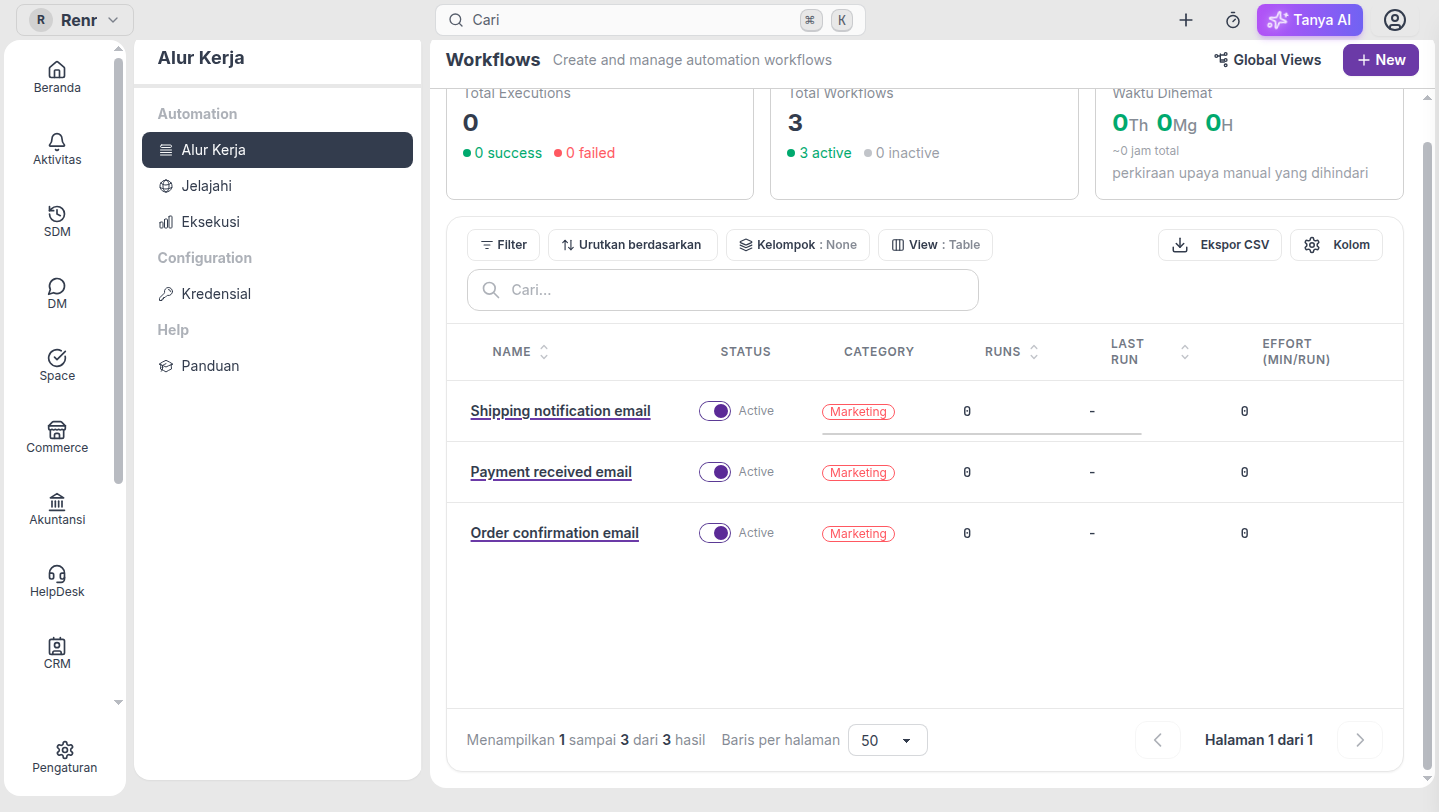
- Category — pick a department tag (Sales, Marketing, …). Renr updates the workflow YAML
category:key so the list and the definition stay in sync. Category edits are blocked while the workflow is Active — disable it first, change the category, then enable again. - Effort (min/run) — set how many minutes a human would need for one run. Used for the Time Saved card on the list. You can edit effort even when the workflow is enabled.
Note: The workflow name still opens the editor (it is the row link). Rename and step changes stay in the designer so YAML remains the source of truth for the flow itself.
Who can use this
Business owners and users with workflow admin permission can toggle and inline-edit on the Workflows list.