.png)
Your business information is the foundation of how Renr represents your company across the platform — from the name and logo your team sees to the time zone, locale, and currency that shape dates, language, and pricing. This guide shows you how to open your business settings, review what's saved, and update any detail.
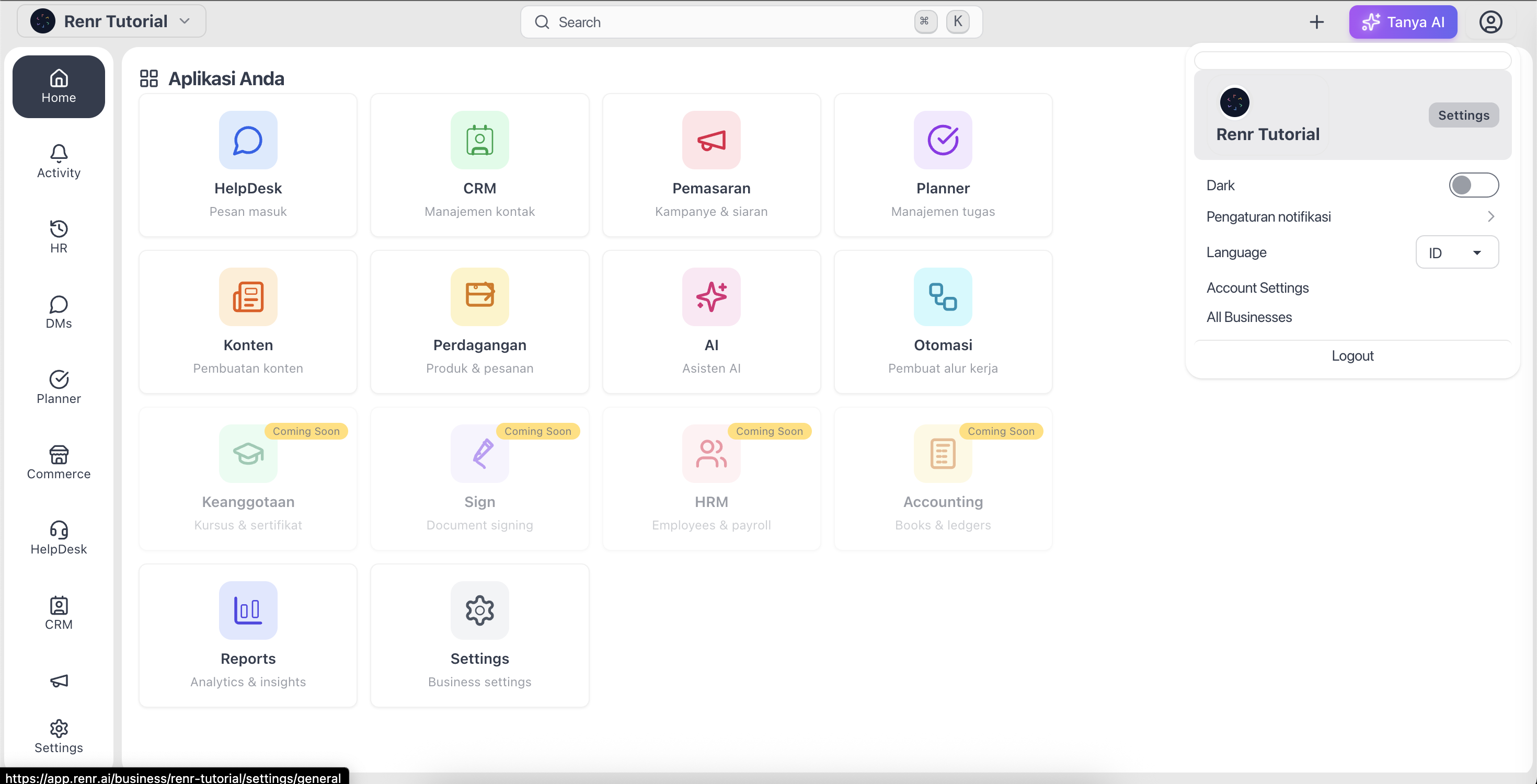
Open your business settings
- Click your profile picture in the top-right corner, or open Settings from the side menu.
- Select General (shown as Umum when your interface is in Indonesian) to open the General Settings page.
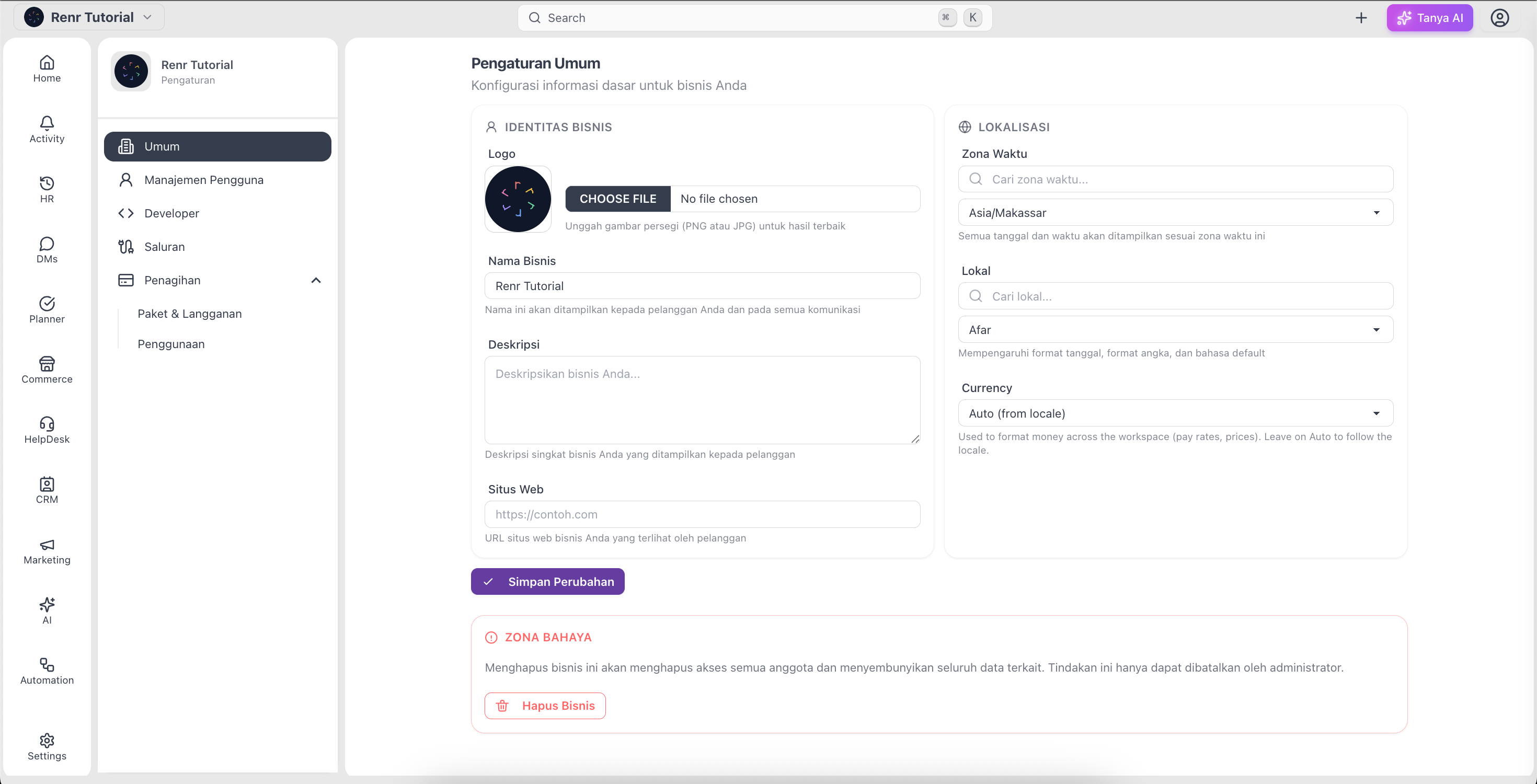
Review your business information
The General Settings page groups your details into two sections.
Business Identity
- Logo — the image shown across your workspace; upload a PNG or JPG.
- Business Name — the name your team and customers see (required).
- Description — a short summary of what your business does.
- Website — your business website URL.
Localization
- Time Zone — the time zone used for dates and scheduling across Renr.
- Locale — the language and regional format for your workspace.
- Currency — the currency used across commerce and invoices, auto-suggested from your locale.
Edit and save your changes
- Click into any field — for example Business Name or Description — and type your new value.
- For the Logo, click the upload area and choose an image from your device.
- Use the searchable dropdowns to set your Time Zone, Locale, and Currency.
- When everything looks right, click Save Changes.
- A confirmation message appears once your changes are saved.
Note: Business Name is required and must be at least 3 characters — it cannot be left blank.
Tip: Use a square logo in PNG or JPG for the sharpest result across the app.
Note: If you are the business owner, the bottom of this page also shows a Danger Zone with a Delete Business option. Deleting removes access for everyone, so use it with care.