.png)
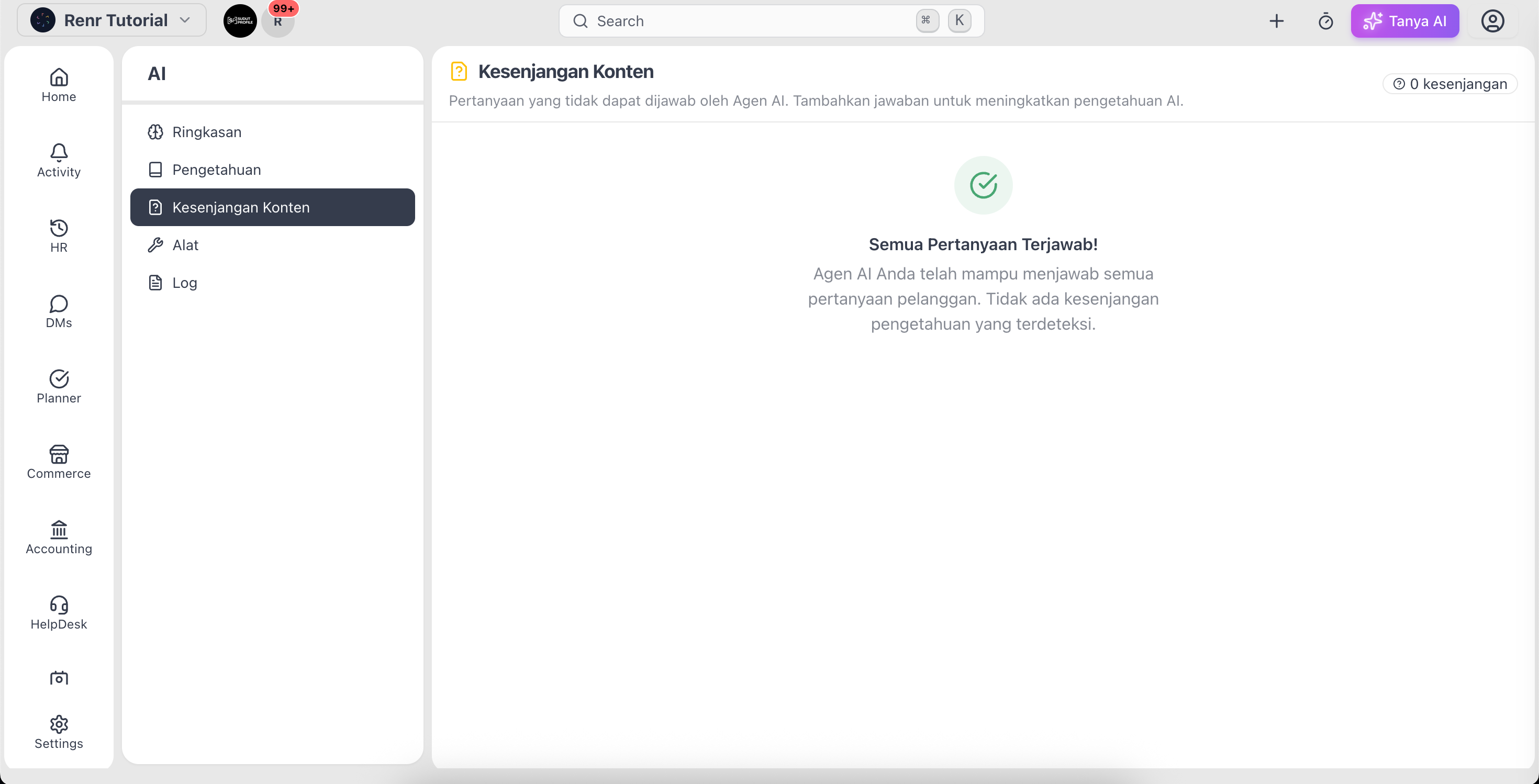
The Content Gap page shows the questions your AI agent couldn't answer. Each gap is a chance to improve your knowledge so the agent handles the same question next time.
Open Content Gap
Go to AI → Content Gap. You'll see a list of customer questions the agent left unanswered, each marked Pending or Resolved.
Answer a gap
- Click a question to open its detail panel.
- Read the Customer Question.
- Type the correct answer in the answer box.
- Click Save Answer.
The gap is marked Resolved and the answer becomes knowledge your agent can use going forward.
Remove a gap
If a question isn't worth answering, open it and click Delete to remove it from the list.
Tip: Review Content Gap regularly. It's the fastest way to find exactly what your customers ask that your AI can't yet answer.
Note: When every question is covered you'll see All Questions Covered! — a sign your knowledge base is keeping up.