.png)
AI Agent Tools is your record of everything your AI agent has done. Use it to see how much the AI is being used, what it cost, and exactly how it answered each customer.
Open the logs
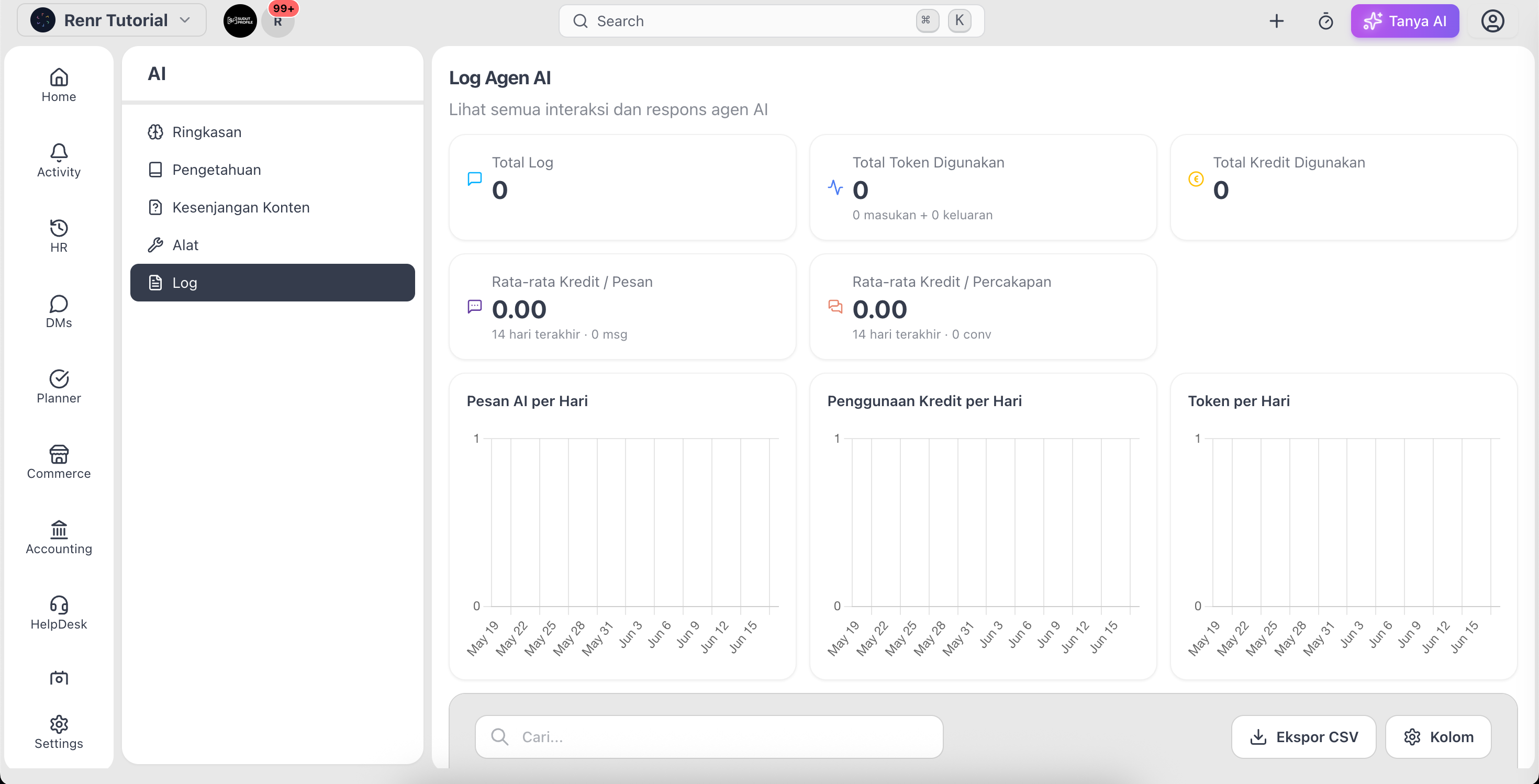
Go to AI → Logs. The top of the page summarises your usage and the table below lists every interaction.
Read your usage at a glance
The summary shows Total Logs, Total Tokens Used, and Total Credits Used, plus average credits per message and per conversation. Daily charts plot AI messages, credit usage, and tokens over time.
Browse interactions
The table lists each interaction with its Date, Agent, Input and Output tokens, Credit cost, and the Query. Sort by any column, or search by query text to find a specific interaction.
Inspect a single interaction
Click a row to open its detail. You'll see the customer's question, the AI response, the agent's thinking, any tools used and knowledge used, plus links to the related conversation and contact.
Tip: When an answer looks off, open its log and check Knowledge Used — it shows whether the agent had the right information to answer well.